Skip to content

Posts from A series of issues.

No ratings yet — be the first to rate!
User Avatar
1 year ago
Auto-translated
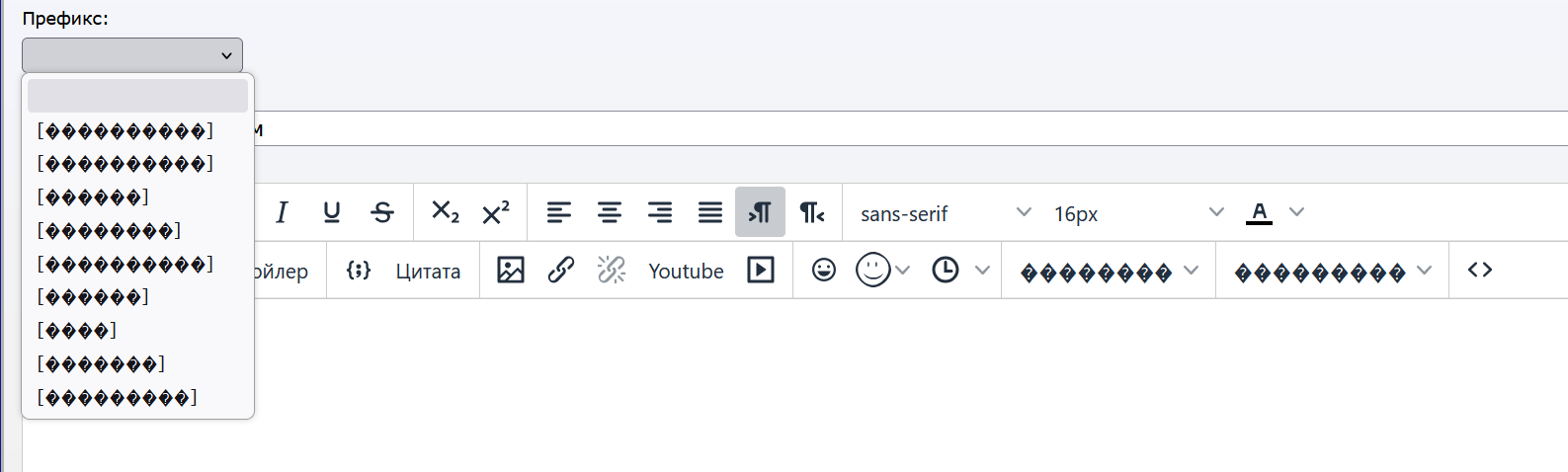
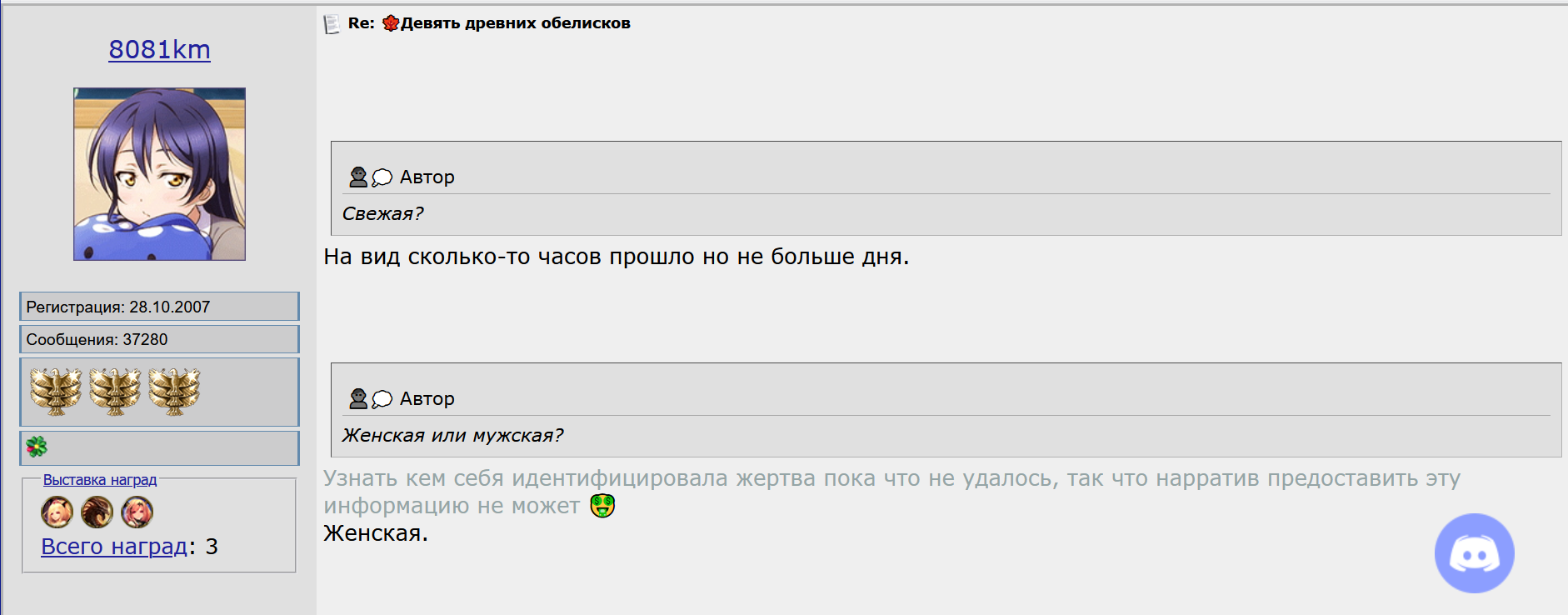
1. At the bottom of the main screen. 2. In the message editor. 3. When quoting, there are huge empty lines before the quote. 4. Clicking "edit" in messages does nothing (if you click "edit" twice, the advanced editing window opens, and there are no problems there). Perhaps the problem is related to the fact that the page loads quite slowly, and it is not a fact that it loads completely successfully. On this page, for example, I have this issue, although, as far as I can check, it happens on any page where I have messages. 5. When increasing build points by clicking on the quick bird icon. The build points are actually increased, but this is only visible after reloading the page. 6. In private messages, there is no longer auto-completion of usernames in the address field. As always, the latest Firefox, Windows 10.
User Avatar
1 year ago
Auto-translated
I only have this issue here; everything else is fine.

User Avatar
1 year ago
Auto-translated
I only encounter a bug when sending a message, and I don't know where to report it – I haven't been able to access my control panel to read/send PMs for a long time... I think it's because of the @ in my username.

Added 1 minute ago
Oh, and another new bug – when I try to boost morale, an error message appears, but after refreshing the page, the morale is boosted. Ment mentioned it, and I missed it.
User Avatar
1 year ago
Auto-translated
I updated Firefox, and some of the problems described by Mentum appeared. Hmm, nice.
In reply to Небо
User Avatar
1 year ago
Auto-translated
Thank you for the list of identified issues.

FireFox 138.0.1

1) since this message does not appear for me, the problem may be local.
Try clearing or deleting the CACHE and reloading the page, for example via CTRL+R.
https://support.mozilla.org/ru/kb/kak-ud ... -firefox

2) fixed


3) I tried adding a couple of quotes and they were added normally; if possible, it would be good to record a video of this issue, as that would make it easier to reproduce.

4) likely indeed an issue with the page not loading fully, since javascript running in the browser is responsible for this function.
As in point 1, a full page reload without CACHE may help.

5) probably the same problem, as I was able to use this button without errors.

6) unable to reproduce


If nothing helps, please let me know.
Attachments 2
2 files attached • Total size: 21.1 KB
In reply to fktifzobr@mail.ru
User Avatar
1 year ago
Auto-translated
fktifzobr@mail.ru
I only encounter a bug when sending a message, and I don't know where to complain - I haven't been able to access my control panel to read/send PMs for a long time... I think it's because of the @ in my username.

Added 1 minute ago
Also, there's a new bug - when I raise morale, an error appears, but after refreshing the page, the morale is raised, as Ment mentioned; I must have missed it.
The issue with opening the panel should already be resolved, but if it still doesn't open, please let us know.
In reply to Небо
User Avatar
1 year ago
Auto-translated
Sky
I only have something like this here; otherwise, everything is fine.


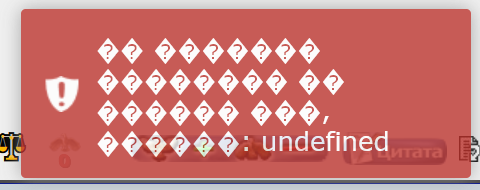
The encoding on this page has been corrected.

Attachments 1
1 file attached • Total size: 27.5 KB
User Avatar
1 year ago
Auto-translated
The forum is still glitching randomly. Sometimes it stops working, and then it starts again. The symptoms are typical: a huge indent before quotes, incorrect display of user presence statuses on the forum, and the inability to raise or lower morale.
In reply to AstralLein
User Avatar
1 year ago
Auto-translated
AstralLein
The forum is still glitching randomly. Sometimes it stops working, then it starts again. The symptoms are typical: a huge indent before quotes, incorrect display of user presence statuses on the forum, and the inability to increase or decrease morale.
Please provide a couple of links to posts where the indent problem is most pronounced. Based on them, I will add post-processing to the messages so that the extra indents are automatically removed.

To fix the morale button issue, we need a more detailed description of the steps that need to be taken to make the morale button not work.
Also, is the problem with the "quick morale influence" button or the "comment button"? Or are both buttons not working?

They can be enabled/disabled in the settings.
https://forum.heroesworld.ru/profile.php?do=editprofile
Attachments 1
1 file attached • Total size: 3.5 KB
User Avatar
1 year ago
Auto-translated
It either works for everyone or for no one. I haven't seen any problems in the last couple of days. It was fast, and the option with comments wasn't enabled in the settings.
User Avatar
1 year ago
Auto-translated
Bugs with "indentations," the "edit" button, and "database problems" occur simultaneously and are accompanied by a message at the bottom of the screen that says:
An error occurred during the execution of the web page script. It is advisable to report it to the administration so that measures can be taken to fix it.

The error may have occurred due to an overload of the database; in this case, try logging in again by clicking the Refresh button in your browser.

However, neither "refreshing" nor "clearing the cache" helps.
The indentation bug appears not only in new messages but also in messages written "a long time ago."
The database bug only appears on the quick action button (and, contrary to the message about the inability to change the database, the change actually occurs). No problems were found with the comments.
The bug is difficult to detect because it appears at "random times."
Sometimes, instead of the bug, the forum simply does not load.
User Avatar
1 year ago
Auto-translated
I'm encountering the same login issue that Evil Lizard mentioned earlier – it constantly displays a message about database overload and keeps logging me out. Different browsers, devices, and incognito mode – none of it makes a difference. You just keep clicking the login button, hoping that a miracle will happen and you'll be allowed into the forum. P.S. The message about database overload not only appears at the bottom of the page but is actually a symptom of a problem with the core functionality – the user login, which has stopped working properly. I'm writing this message only because I somehow managed to log into the forum after 101 attempts. At first, I thought it was a one-time occurrence, but unfortunately, it has happened many times since...
In reply to Злобный Ящур
User Avatar
1 year ago
Auto-translated
Evil Lizard
Bugs with "indentations," the "edit" button, and "database issues" occur simultaneously and are accompanied by a message at the bottom of the screen that reads as follows.
In addition to the above-mentioned bugs, there are messages from a "missing user."
That is, a user writes a message at a certain time, but the forum says that this user was on the forum "so many" hours/minutes ago... That is, the message was left, say, at 3:00 PM, but the user was supposedly last on the forum at 1:00 PM...

Added 8 minutes later
Right now (when I'm writing this message), everything is fine: the quote indentations are correct, the edit button works, and the database is okay. There are no database error messages. Although just 15 minutes ago, everything was glitching.
User Avatar
1 year ago
Auto-translated
It seems that the problem arises due to a lack of RAM on the server.
That is why this issue occurs intermittently rather than constantly.
I have slightly changed the database settings; we will see if this helps handle the load better.
Keep an eye on it for a while; if the situation suddenly worsens, let me know and I'll think about what else can be done.


In reply to HwKeeper
User Avatar
1 year ago
Auto-translated
As a result of analyzing the logs for 4 days, we were able to identify a potential problem with such a high load. A significant portion of the traffic and requests to the site are made by various types of bots, and while classic search engines like Google and Yandex cause little harm, bots such as GPTBot, Amazonbot, AwarioBot, MJ12bot pose a direct threat. Over these 4 days, bots made a total of approximately 800,000 requests out of a total of 1.9 million, and consumed about 29 GB of traffic out of 56 GB. I added a script that should limit access to the site for bots when they exceed a certain threshold of requests per minute, and I completely blocked some of them. I think these measures should ultimately stabilize the site's performance.
Attachments 1
1 file attached • Total size: 7.5 KB

Statistics

Welcome our newest member: recijeb

Users Online 3 users 1379 guests