Esto100nec1

Auto-translated
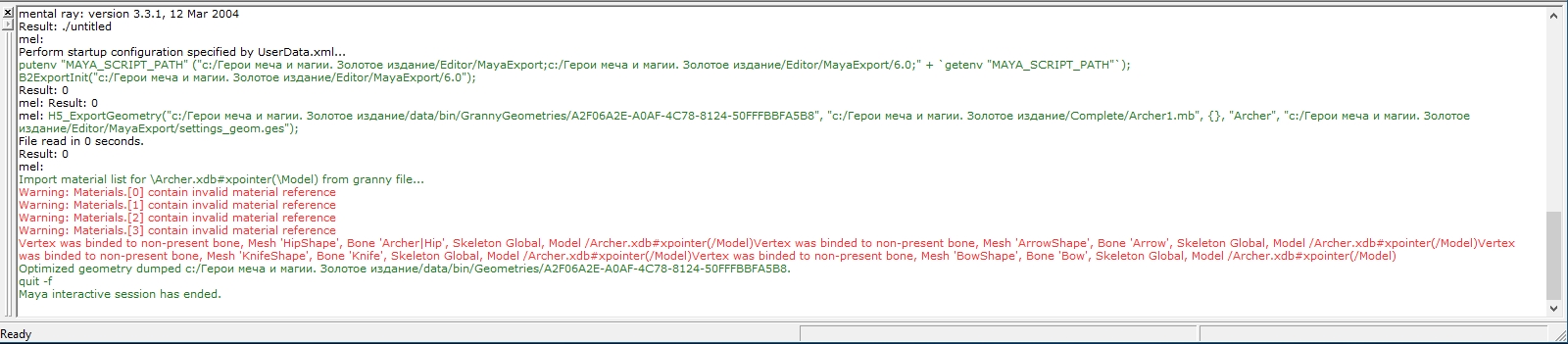
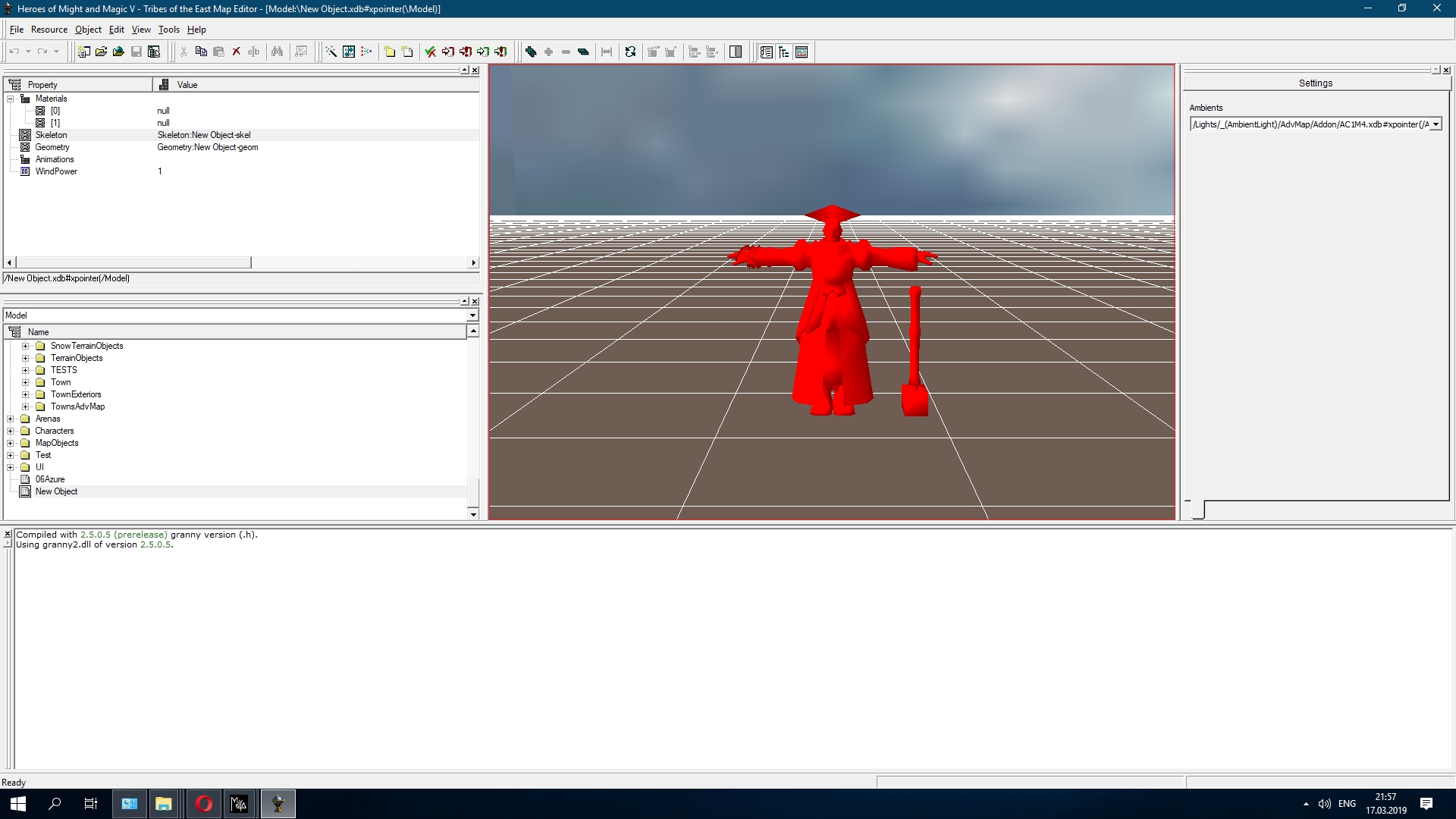
Who knows how to import a model along with its skeleton? I managed to import the skeleton into Maya the other day, but I don't understand how it should all be "organized" so that the editor doesn't produce errors.
Maya session start failed: Create process failed: Cannot find the specified file, Can't open/read granny file for model \Creature_Latnik.xdb#xpointer(\Model)2. You need to export it correctly, specifying the correct export settings; otherwise, you will fail. You need to specify the root bone, which is usually called Global; you don't need the mesh root. If the model is static (not moving), you don't need a bone; you can specify the mesh root and that's it.
3. At the moment, I want to try something similar using workarounds.
4. It's difficult for me to describe this tedious process; it's easier to show everyone than to describe it to one person.
Help
I created a creature for NCF, changed the geometry and texture, and the alpha channel stopped working – in the game, it is displayed in black. I looked at the settings in the xdb files for the same creature; my settings in (Material) and (Texture) are identical. I return the old texture, but the alpha channel still doesn't work. Previously, I made alpha channels for models, and they worked, and for icons, I made a 2D image with an alpha, and it all works, but for the model that I edited, it somehow doesn't work; maybe someone knows what the problem is.
If needed, here is the mod https://yadi.sk/d/Uf-zoZEjjV_L7Q
NCF_Ice_Demon-RU - The mod itself
HornedDemon.(Character) - To view the model and animations in the map editor in extended mode. We launch Characters\Creatures\Inferno\HornedDemon.(Character).xdb, and the Fire Demon is replaced with the Ice Demon.