


 Esto100nec1

Auto-translated
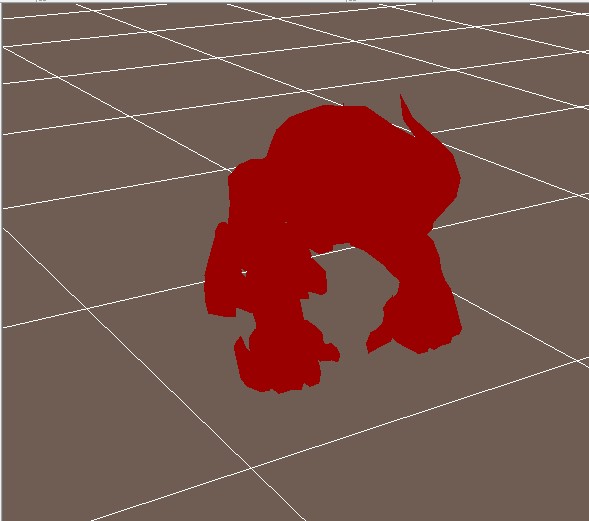
Could you please provide more details about the model converter? Did you convert it using Archangel with the skeleton, or through an editor? This is how your model looks to me; it's clear that the problem isn't with the texture, but rather that when the animation plays, nothing is displayed except the shadow.
https://www.youtube.com/watch?v=qVL2Z7NOhl8
The alpha channel doesn't work on the teeth; where it should be transparent, it's black. If I set AM_ALPHA_TEST – it reads the alpha channels, making them transparent or semi-transparent; the texture completely disappears from the model.
Added after 58 minutes
Does anyone know how to import a model with its skeleton? I managed to import the skeleton into Maya the other day, but I don't understand how it should all be "organized" so that the editor doesn't produce errors.
Don't forget about skinning, otherwise the mesh won't be displayed. When exporting, you need to specify the main bone, the global one.
Did you create the skeleton yourself, or did you extract it from the game?