Skip to content

Posts from Menu creation.

No ratings yet — be the first to rate!
14 years ago
Auto-translated
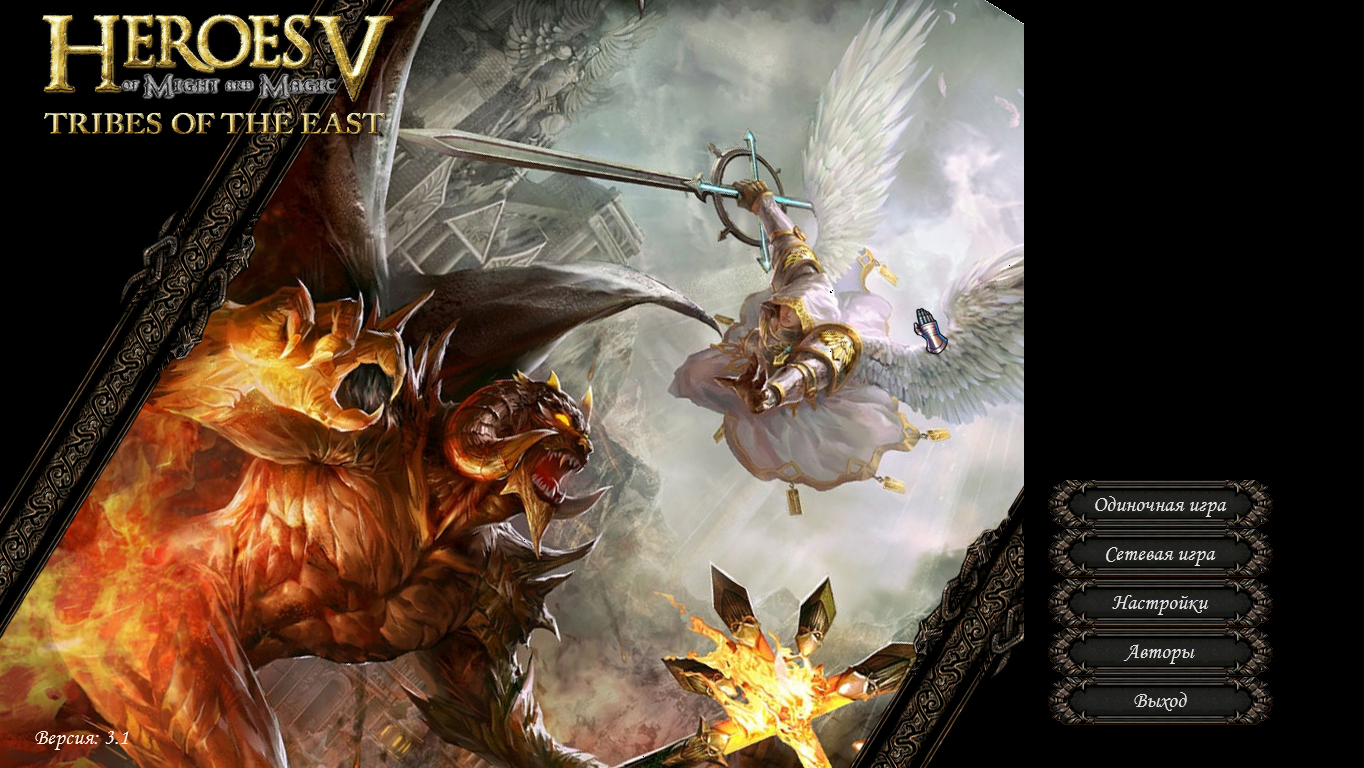
Hello everyone. I'm creating a menu based on the Xazardous mod. However, I have a widescreen image, and there's black space displayed on the right! (Xazardous also has black space there). Could you tell me where the background textures are located? Also, how do I change the size of the allowed icon or image? I suspect that everything is hidden in the *.xdb files; please help me understand them.
User Avatar
14 years ago
Auto-translated
You see, the Nival guys don't have any black color on the left side... I would recommend that you find the corresponding xdb file from them and just copy it.
In reply to Ment
14 years ago
Auto-translated
Thank you for your response =)
but the question remains.

I don't understand xdb files at all; I don't know what they are, what they do, and what is required.
For example, in the mod by Xazardous, there are the following files:

Arenas -> Interface -> MainMenu
Camera-idle00.xdb
MainMenu.(ArenaDesc).xdb

UI
Background.(BackgroundSimpleTexture).xdb
MainMenu2.(WindowScreenShared).xdb


I have a hard time understanding what they are for.
Only the texture references are clear. Where can I find information about the other abbreviations?
User Avatar
14 years ago
Auto-translated
Well, I won't tell you that either. Take a look at them (open them with Notepad), see what they reference. Some of these files should reference other parts, and some reference images in dds format. In the first case, you don't need to change anything; in the second, see what dds formats are used (e.g., DXT or TF_8888), what image sizes are used, and act accordingly.
Or, if you really can't figure it out, send me a link to the mod, and I'll take a look.
13 years ago
Auto-translated
It's a shame that it came out during a period when people's interest in the game was waning...

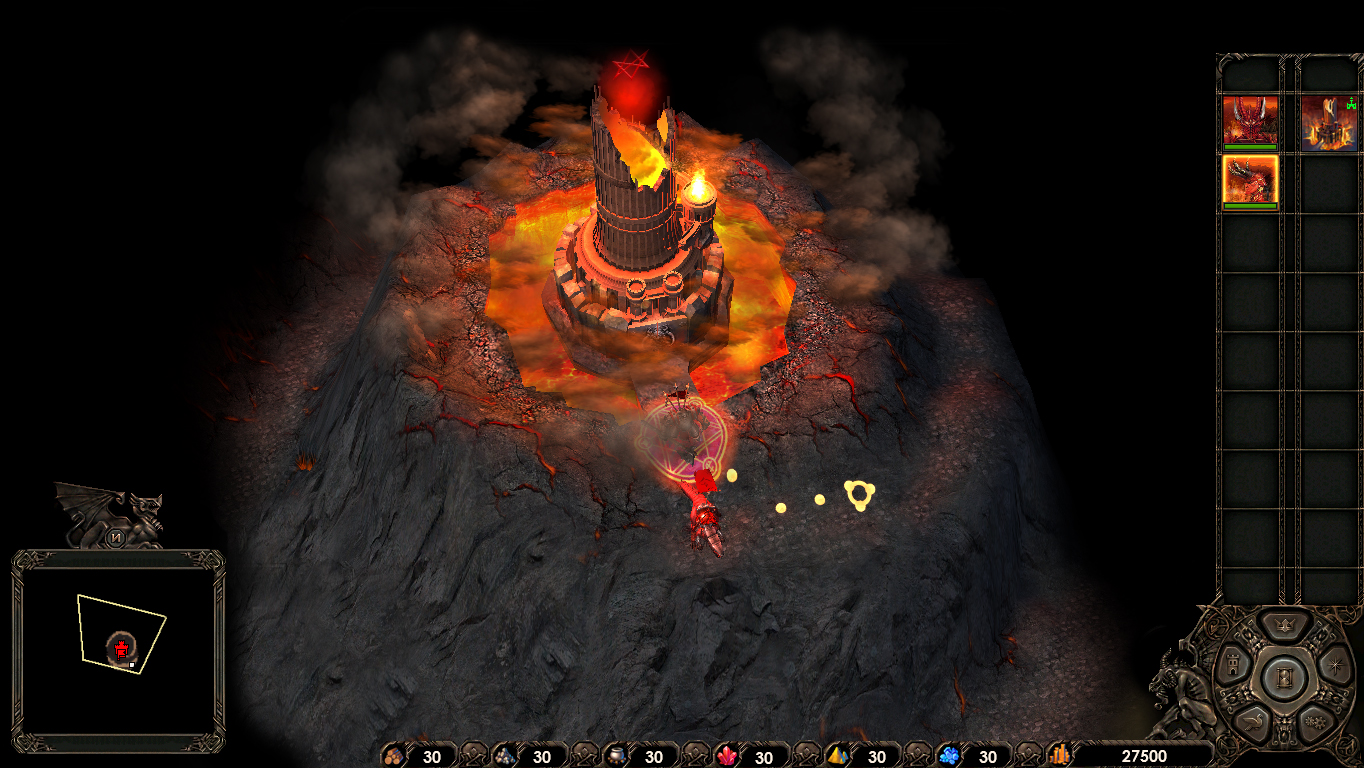
Here! I think Nival could have done better, much better than what they did.

I like this menu better.
13 years ago
Auto-translated
Everything is done perfectly. When will the mod be available for download, and for what screen resolution is it designed?
User Avatar
13 years ago
Auto-translated
Yes, it turned out to be quite atmospheric.
In reply to JonnyP
13 years ago
Auto-translated
JonnyP
Everything is done perfectly. When will the mod be available for download, and for what screen resolution is it being made?

I would be happy to create the mod, but it hasn't progressed beyond the image yet; I can't find good manuals for *.xdb.

If someone could help, I would create all the menu windows.
In reply to Lexsus01
13 years ago
Auto-translated
Lexsus01
I would gladly make a mod, but I can't go beyond creating images for now; I can't find good tutorials for *.xdb files.

If someone could help me, I would create all the menu windows :o
That’s sad :(
You could look at mods like RageButton and NecroButton to see how they work. Or here /topic/at/600637/ – the author added buttons there.
It seems that the problem lies specifically with the buttons.
Everything is very complicated there – I won't be able to figure it out myself either :smile33:
User Avatar
13 years ago
Auto-translated
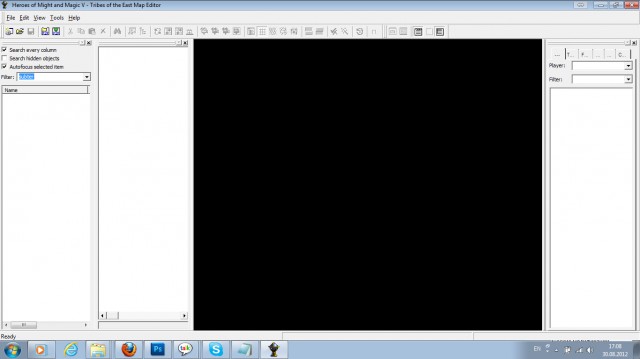
You can access the standard menus from the game itself within the map editor using OpenResurce (you can rearrange the buttons as you like and add your own). There, a portion of the object graphics is linked to different values and fields. You can explore it, although I'm not sure how much it will help.

In my opinion, the style isn't great, although it is beautiful: it's too similar to Dungeon. It's a matter of taste, but dark gothic and Heroes 5 don't really go together.
User Avatar
13 years ago
Auto-translated
Here's how it works. First, you need to switch the editor to advanced mode. Then, follow the screenshots. I didn't do it myself, so asking me won't help.

Attachments 2
2 files attached • Total size: 167.4 KB
13 years ago
Auto-translated
Thanks, I'll take a look.

Oh, I have a different map editor, there's no Source...
User Avatar
13 years ago
Auto-translated
You need to expand it; see the FAQ in the "Mapmaking" section.
In reply to Dyrman
13 years ago
Auto-translated
Dyrman
....
The style isn't really my thing, although it is beautiful: it's too similar to Dis. Whether you like it or not, dark gothic and Heroes 5 don't really go together.
That's true, the heroes from 1-3 are like an expensive fairytale book, made of velvet and leather, framed with gold and precious stones :)

And I think the Nival artists were lazy, creating such a boring menu, considering what I've put on their heroes :)

Statistics

Welcome our newest member: recijeb

Users Online 3 users 1352 guests