


 Waterfall_13

Auto-translated
Since no one has downloaded it yet, Fixs_3.1 updated it again. He got carried away and forgot to add something.
You have a very good understanding of the Heroes 5 interface.
Maybe you know the reason for the problem: recently, people who are downloading the mod on Windows 11 have started complaining that the buttons are shifting 500 pixels to the right (making them invisible).
There were no complaints before because everyone was on Windows 10. But now they have appeared...
In short, the button window starts at 1100 pixels. And this was precisely calibrated so that on a 1920x1080 screen, the buttons are where they should be, while the main window starts on the left, near the edge – that's what I thought.
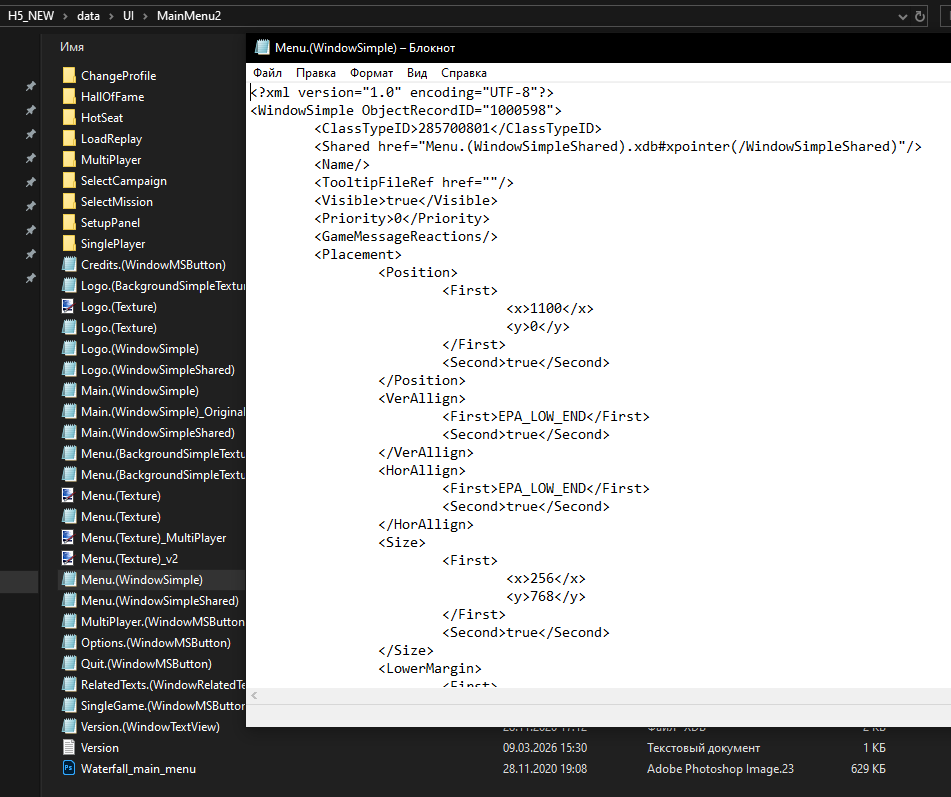
But for people on Windows 11, it looks like this:
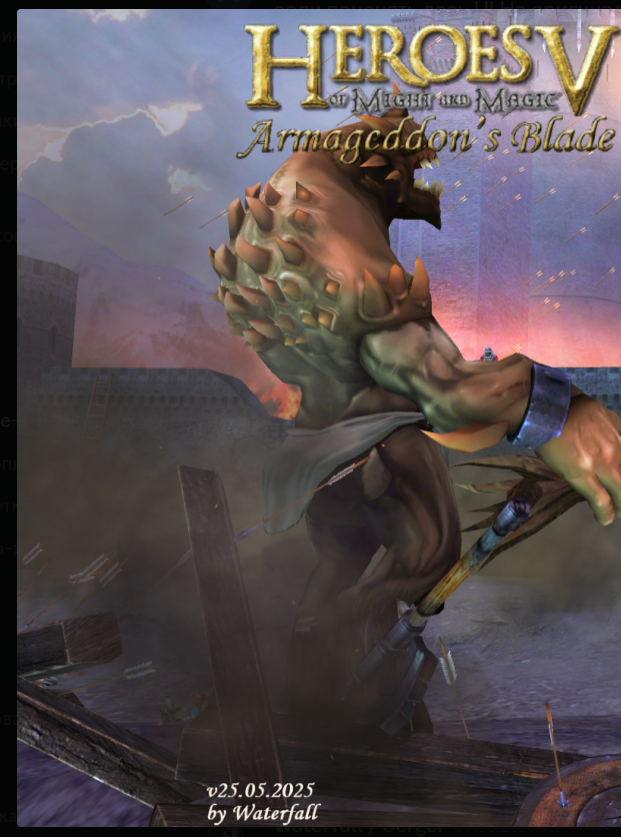
I'm on Windows 10, and everything is displayed correctly for me, like this:
At the same time, I thought that EPA_LOW_END(true) should stick to the edge of the screen...
The fact that the versions at the bottom of the screen are different can be ignored; I created the menu in November 2020 and haven't changed the window and button settings since.
Maybe there is a way to make the buttons stick to the right edge... then I can simply set the button window to start not at 1100 pixels, but at 0