Skip to content

Posts from Уроки от Waterfall

5.0 (1 rating)
User Avatar
5 years ago
Auto-translated
So, as it turns out, the signature isn't infinitely expandable, and the number of characters in it is limited. Previously, I published my knowledge, which might be useful to you, in my signature.
It seems the time has come to place it in a separate topic and stop cluttering my signature =)

1) Creating a new hero

2) Adding a new dueling hero

3) Adding new music to battles

4) Adding new artifacts to the game

5) Creating information about a skill (perk) in the skill wheel

6) Creating a new upgrade for a building and connecting it to a creature; this is a stream where the Dracolich was created

7) Adding a new class to the game. In the first 22 minutes, you will see how to do it and learn all the details (this is a stream where 7 new classes were added)


8) In this stream, I show how to add a new creature; it makes sense to watch it if you have installed NCF (a framework that expands the number of creatures).

This video cannot be called a full-fledged tutorial, as the material is not presented in a structured way (I haven't decided yet what needs to be created first: visuals, stats, texts, or something else).

However, I show and explain all the necessary information to add a new creature in it (in the stream), even if it's chaotic and not consistent. By watching it, you will learn what and where you need to create/duplicate.


9) Adding a 3rd level upgrade to the 7th dwelling of creatures in the city of Dwarves

In the future, something else might be added; I don't know yet.

10) Creating a new dueling arena


11) A video about how to strengthen weak skills.


Useful tools in the modding workshop:
1) A plugin for Photoshop that teaches it to work with dds images

This will be very useful: https://forum.heroesworld.ru/showpos...60&postcount=4
User Avatar
5 years ago
Auto-translated
This video can’t be called a full-fledged tutorial, as it lacks a clear sequence, but nevertheless, watching it can teach you how to do the following: In this stream, I show how to add a new building upgrade (3rd improvement), how to connect a creature to it, and how to configure the creatures so that they upgrade into a creature in the improved building. And in general, in this stream, I was creating a Dracolich for the Necropolis:
User Avatar
5 years ago
Auto-translated
In this stream, for the first 22 minutes, I will show you how to add a new hero class. There is a clear sequence, so this stream can be considered a full-fledged tutorial, and after watching it, you will understand how to add a new hero class to the game.
For the rest of the time, I will add more classes in real-time and bring the total to 16. After that, I will focus only on the "priest," refining it (adjusting special perks that are not added to the new class by default).
User Avatar
5 years ago
Auto-translated
In this stream, I demonstrate how to add a new creature. It's worth watching if you have the NCF (a framework that expands the number of creatures) installed. This video can't be called a complete tutorial because it lacks a structured presentation of the material (I haven't yet decided what needs to be created first: visuals, stats, texts, or something else). Nevertheless, **I show and explain all the necessary information for adding a new creature** in the stream, even if it's somewhat chaotic and not in a consistent order. By watching it, you'll learn what and where you need to create or duplicate.
User Avatar
5 years ago
Auto-translated
Adding the 3rd level upgrade for the 7th dwelling of creatures in the Dwarf town.

User Avatar
5 years ago
Auto-translated
Creating a new duel arena

User Avatar
4 years ago
Auto-translated
This isn't exactly a video tutorial. There isn't a clear presentation of the material here. Nevertheless, since we were working with Dreadknight on rescaling the dwellings of creatures from Tier 4 to Tier 7... Dread asked me to show him approximately how I do it (he did it differently, as Hotabych showed him). At his request, I recorded a stream in which I performed the rescaling of the Tier 7 dwelling of the Academy of Magic and the Tier 4 dwelling of the Forest Union. I understand that the material is too specific. However, for the "enthusiasts," it may be useful, as the video shows how the models are extracted from the game, how they are modified in Blender, and how they are then loaded into the map editor through a converter (in the form of Maya and its two versions), and how the files are then exported from the map editor, which can then be placed in the game's file system and used for their intended purpose.
4 years ago
Auto-translated
regarding adding an arena, as far as I read in that thread, they only change the visuals. Is it possible to add a new arena, even if it's a copy, but of a different size, that will still work? And I didn't understand how to put it in a duel. How to change the size of the battlefield?
In reply to vasik
User Avatar
4 years ago
Auto-translated
vasik
Regarding adding an arena, from what I read in that thread, they only change the visuals.

Is it possible to add a new arena, even if it's a copy, but of a different size, that will work?
And I didn't understand how to put it into a duel.

Added 15 minutes later
I think I figured out how to put it in, but how do you change the size of the battlefield?
The battlefield is standard for all.

Larger "arenas" exist in Heroes 5.5, but this is done through scripts or by editing the source code (I'm not sure).

In general, the video tutorial wasn't about "large" battlefields, but about creating your own arena and adding it to the list of arenas in duels.
User Avatar
4 years ago
Auto-translated
The arena size can be modified using a special patch for the executable file; if you're interested in this option, I can provide it.
4 years ago
Auto-translated
yes, a link to the description would be helpful. But if the change only allows using the new size and not both, it won't be very useful.
User Avatar
4 years ago
Auto-translated
Yes, just a new size; otherwise, I would have uploaded it without asking. But I'm currently checking with Dread to see if it's possible and how to do both.
User Avatar
3 years ago
Auto-translated
If you've always wanted to change something about the skills, then this video is for you. How to enhance weak skills.
User Avatar
8 days ago
Auto-translated
For some reason, my private messages aren't working; I can't reply to someone in PMs... I send the message, but nothing happens.
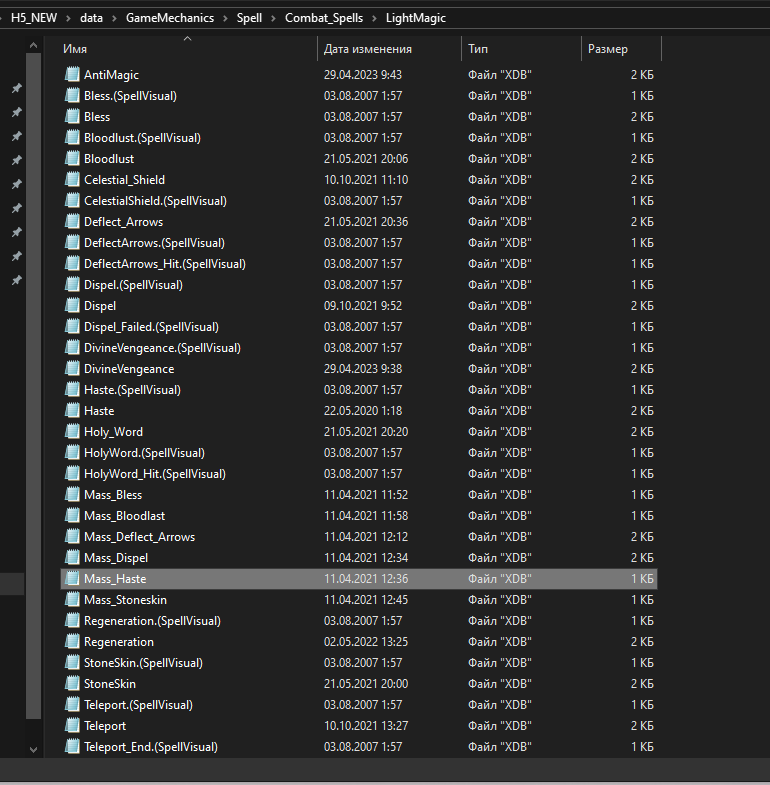
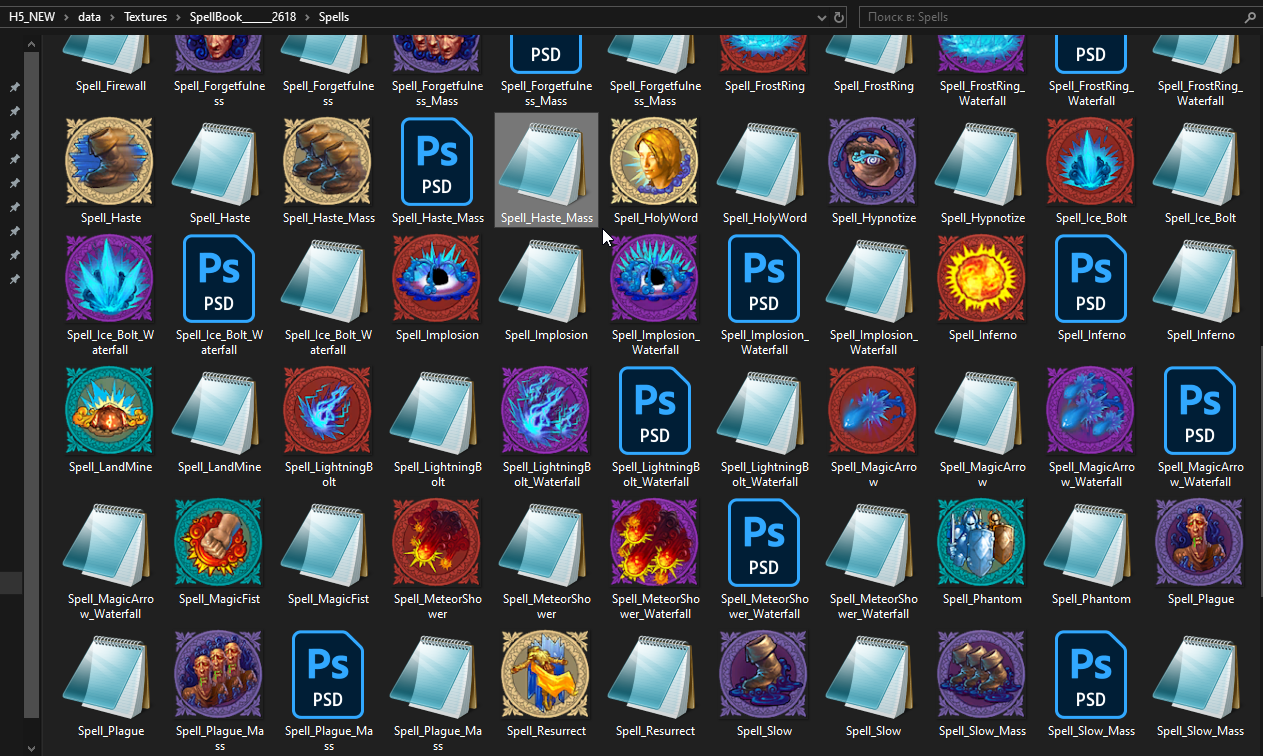
Therefore, I'll ask here: what kind of lesson on spell icons is needed? Defining paths or how to edit them in Photoshop?


Paths are defined here


They should reference files in this folder

Statistics

Welcome our newest member: recijeb