Skip to content

Posts from Screenshots of your desktops + wallpapers.

5.0 (4 ratings)
User Avatar
15 years ago
Auto-translated
Not very many. Usually, they accumulate, and then I move them to a separate folder (once, this way, a folder contained a dozen folders with files from the desktop, and each of those contained about the same number). Although, the folders with settings have been on the desktop for a long time; I should remove them since I won't be playing the game anytime soon.

User Avatar
15 years ago
Auto-translated
I just have one folder with 20 GB of random junk from my desktop that I'm too lazy to sort through.
User Avatar
15 years ago
Auto-translated
Reinstalled the operating system, now everything is clean and runs smoothly. The image isn't great, but I wanted a red color scheme.
Attachments 1
1 file attached • Total size: 116.6 KB
User Avatar
15 years ago
Auto-translated
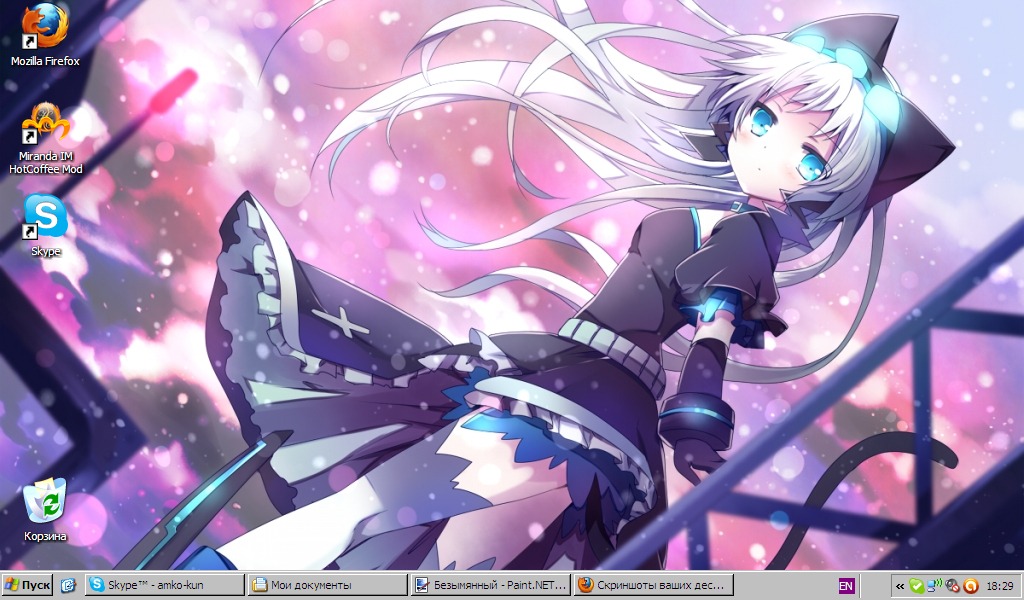
I accidentally found this picture, and it seemed very cute to me. And as always, my desktop is full of all sorts of stuff.
In reply to Небо
User Avatar
15 years ago
Auto-translated
Explain to an idiot how this is done.
User Avatar
15 years ago
Auto-translated
Printscreen key. It is located next to the group of keys above the arrow keys on the keyboard. Then, open Paint, press the combination ctrl+V, and save. But Photoshop is better; the quality is significantly higher. Oh-ho, how kind I am.
User Avatar
15 years ago
Auto-translated
Thank you. Assassin's Creed rocks!!!!!!!!!!
In reply to Imaris
User Avatar
15 years ago
Auto-translated
Here's a cool wallpaper :)
User Avatar
15 years ago
Auto-translated
15 years ago
Auto-translated
User Avatar
15 years ago
Auto-translated
I'll post my viabushit here too.

In reply to Amko
User Avatar
15 years ago
Auto-translated
User Avatar
15 years ago
Auto-translated
User Avatar
15 years ago
Auto-translated

Statistics

Welcome our newest member: recijeb