Connection ErrorBad RequestThis page went staleSession ExpiredSign in requiredForbiddenNot FoundToo Many RequestsServer ErrorBad GatewayService UnavailableGateway TimeoutHTTP Version Not Supported
Session Expired
Your session has expired. Please log in to continue.
Sign in required
You need an account to do that. Sign in or create one — it only takes a minute.
This page went stale
Your security token was rejected, usually because the page sat open too long or you signed in elsewhere. Nothing was saved. Reload the page and try again.
Request Failed
We encountered an issue while processing your request.
Please check your internet connection and try again.
Error Details:
Share Link
= Small mods that change the visuals =Auto-translated
I reworked the mod. The image and scrolls are now much better. I left the text as is. I tried to increase the number of words in a line to prevent line breaks before the button, but I couldn't. I saw that a neighbor made some changes in HeroFace.(WindowSimple).xdb, but I'm not sure if I should touch it or not. I'll leave the mod here and update it in comment #222.
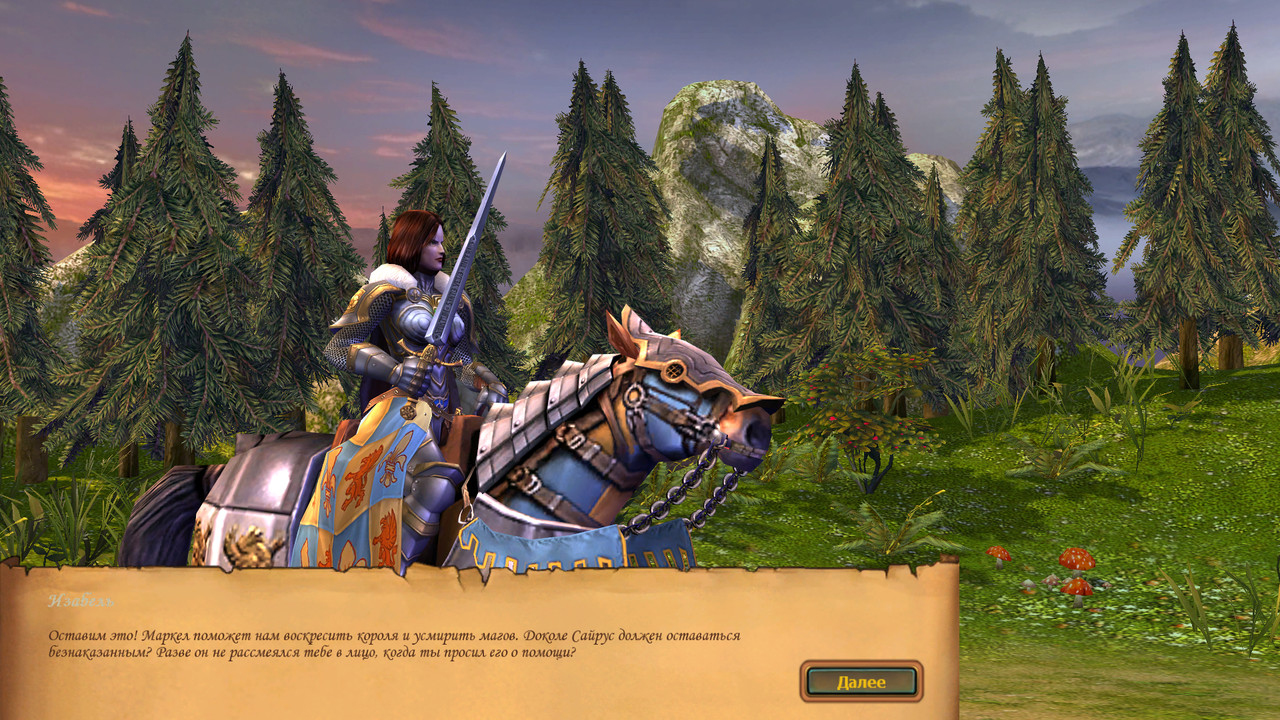
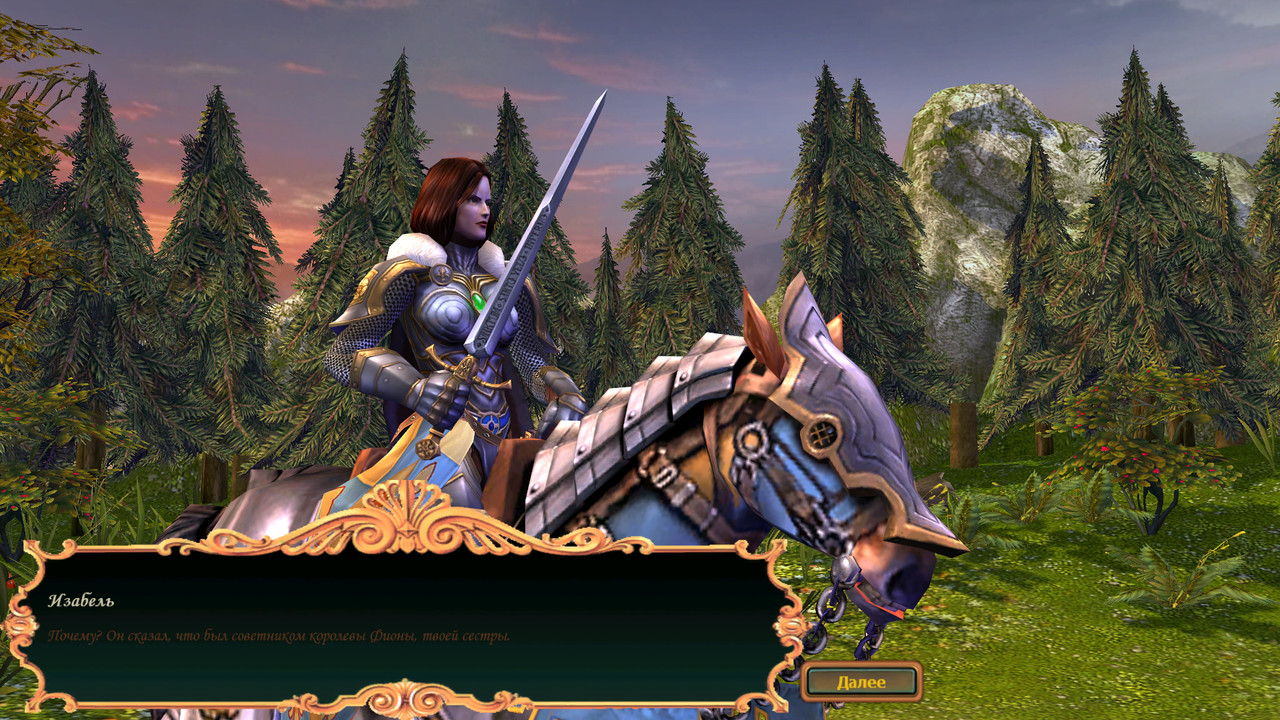
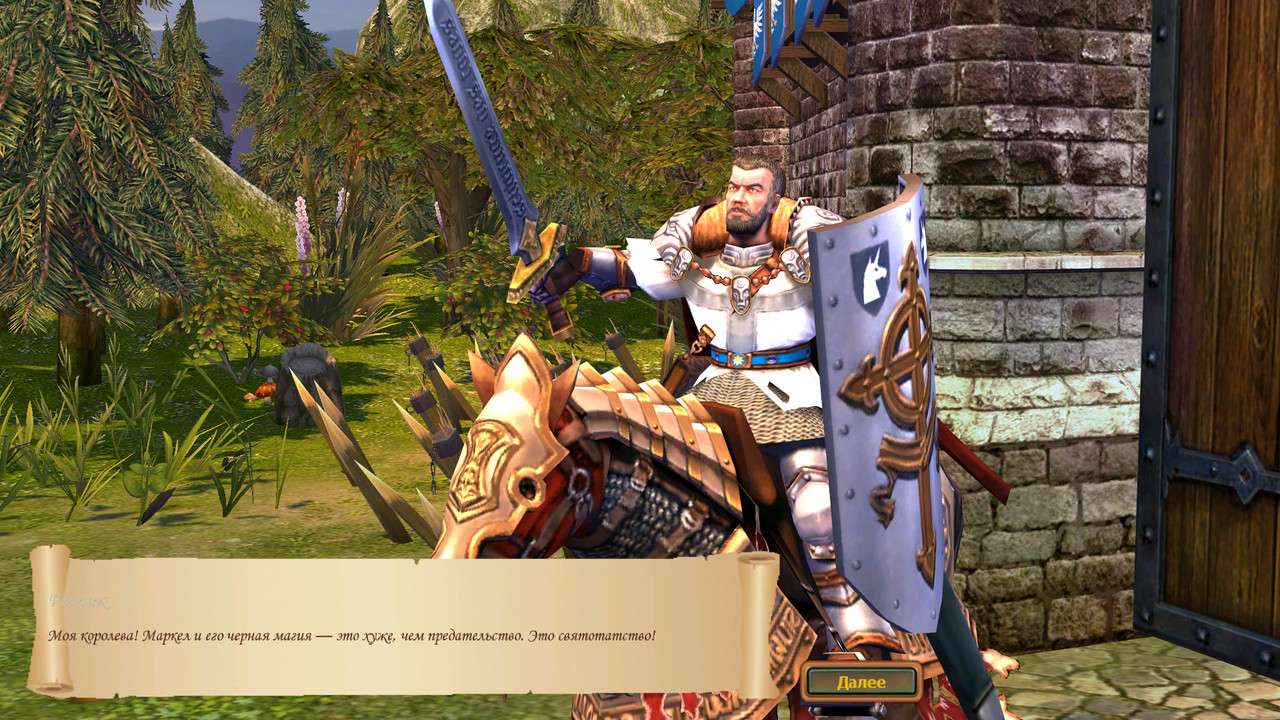
I decided to try it out, and I found that the image looks much better this way. The previous version of the mod displayed the scroll across the entire screen, but I like this version more. Also, there is no scroll at the top in either version. Title
Good evening, this is the simplest solution if we're talking about the images themselves. To quote: Maps/Scenario/missionname/, open map.xdb there and look for the PWLPicture property; this will show you the path to the texture. Either redraw the texture along that path or specify the path to your own texture.
I encountered a problem where, after replacing PWL in AllCampaignMod.h5u or another location (or even if I specify the path to missions from the original campaigns in another mod), the game crashes.
Decided to try it out, and I found that the image looks better this way. The previous version of the mod displayed a scroll that covered the entire screen, but I like this version more. Also, there is no scroll at the top in either version.Title
I just launched the game with and without the mod, and the screenshots are below. Everything looks normal. Maybe you have other mods that affect the interface.
Link to my version of AllCampaignMod.h5u for playing the Campaigns of versions 1.6 and 2.1 (Hammers of Fate) on version 3.1 (Tribes of the East). https://disk.yandex.ru/d/O_HN6ATgCJISpw
I have a mod pre-installed that allows me to "stretch" a 1024x768 image (1024x1024 texture) to a widescreen display.
However, when replacing the PWL in AllCampaignMod.h5u or any other mod (if the path is specified) in the folders with missions from the Campaigns of versions 1.6 and 2.1 with another image with a resolution different from 1024x768 (1024x1024 texture), the game crashes. This problem does not occur with the Tribes of the East Campaigns. Frankly, I don't have enough brainpower to figure out what's going on. In the future, I would like to use images with a 16:9 aspect ratio (either 1366x768 pixels, or ideally 1920x1080 pixels) as PWL for the Campaigns of 1.6 and 2.1.
I would be grateful if someone would like to investigate the problem and find a solution.
Link to my version of AllCampaignMod.h5u for playing the Campaigns of versions 1.6 and 2.1 (Hammers of Fate) on version 3.1 (Tribes of the East). https://disk.yandex.ru/d/O_HN6ATgCJISpw
I have a mod pre-installed that allows me to "stretch" a 1024x768 image (1024x1024 texture) to a widescreen.
However, when replacing the PWL in AllCampaignMod.h5u or any other mod (if the path is specified) in the folders with missions from the Campaigns of versions 1.6 and 2.1 with another image with a resolution different from 1024x768 (1024x1024 texture), the game crashes. There is no such problem with the Tribes of the East Campaigns. Frankly, I don't have enough brainpower to figure out what's going on. In the future, I would like to use images with a 16:9 aspect ratio (either 1366x768 pixels, or ideally 1920x1080 pixels) as PWL for the Campaigns of 1.6 and 2.1.
I would be grateful if someone would like to investigate the problem and find a solution.
Thank you for your attention and understanding!
I tried to put my version of the HD mod (1920x1080 scaled to 1366x768) into AllCampaignMod.h5u. The game didn't crash.
I just launched it with and without the mod, screenshots below. Everything looks normal. Maybe you have other mods for the interface.
Thank you for the tip, you were right, there was another mod installed, which resulted in this interesting effect. By the way, I had an idea at one time to create original banners for dialogues, but I couldn't find suitable clip art.Author
Title
A suitable design is needed, either find one that matches the style or create one. For now, it's just an example.
I tried to integrate my HD mod (1920x1080 in 1366x768) into AllCampaignMod.h5u. The game didn't crash.
So, it seems I shouldn't have changed anything in the xdb files of your mod and MaksSP's mod. Oh, if that's the case, I'll try to tweak it some more tomorrow, but for now, I'll take a break and get some sleep.
I guess I shouldn't have changed anything in the xdb files of your mod and MaksSP's mod. Oh well, if that's the case, I'll try to tweak it again tomorrow, but for now, I don't want to overthink it, and I also want to sleep.
Thank you for your attention.
In my version, I created (following the example of others from the mod) three PWL.(WindowSimple).xdb, PWL.(WindowSimpleShared).xdb, and PWL.(BackgroundSimpleScallingTexture).xdb files. I substituted the necessary values, and in the campaign map, I replaced pwl and in PWL.(Texture).xdb, I substituted the resolution. As far as I remember, you can stretch it up to a maximum of 1364x768 so that the game doesn't crash, but you can compress it from full to 1366x768.
I created three PWL.(WindowSimple).xdb, PWL.(WindowSimpleShared).xdb, and PWL.(BackgroundSimpleScallingTexture).xdb files (following the example of others from the mod). I substituted the necessary values, and in the campaign map, I replaced pwl and substituted the resolution in PWL.(Texture).xdb.
I figured it out, colleague. I was using the wrong settings for the dds format. I was using BC3 (linear DXT5) without generating mip-maps, but I should have used B8G8R8A8 (linear A8R8G8B8). And then the crashes stopped. The image is 1366x768.
Narron, then it's okay. It seems like it's better not to use mip-maps, as they say, the game handles it well on its own.
Mip-maps are useful for unit and building textures. Then the file size will correspond (approximately) to the originals. But with icons, effects, logos, and as it seems, with pwl, it doesn't work. I didn't know what to do with pwl until this evening. The sizes of the original files were confusing.
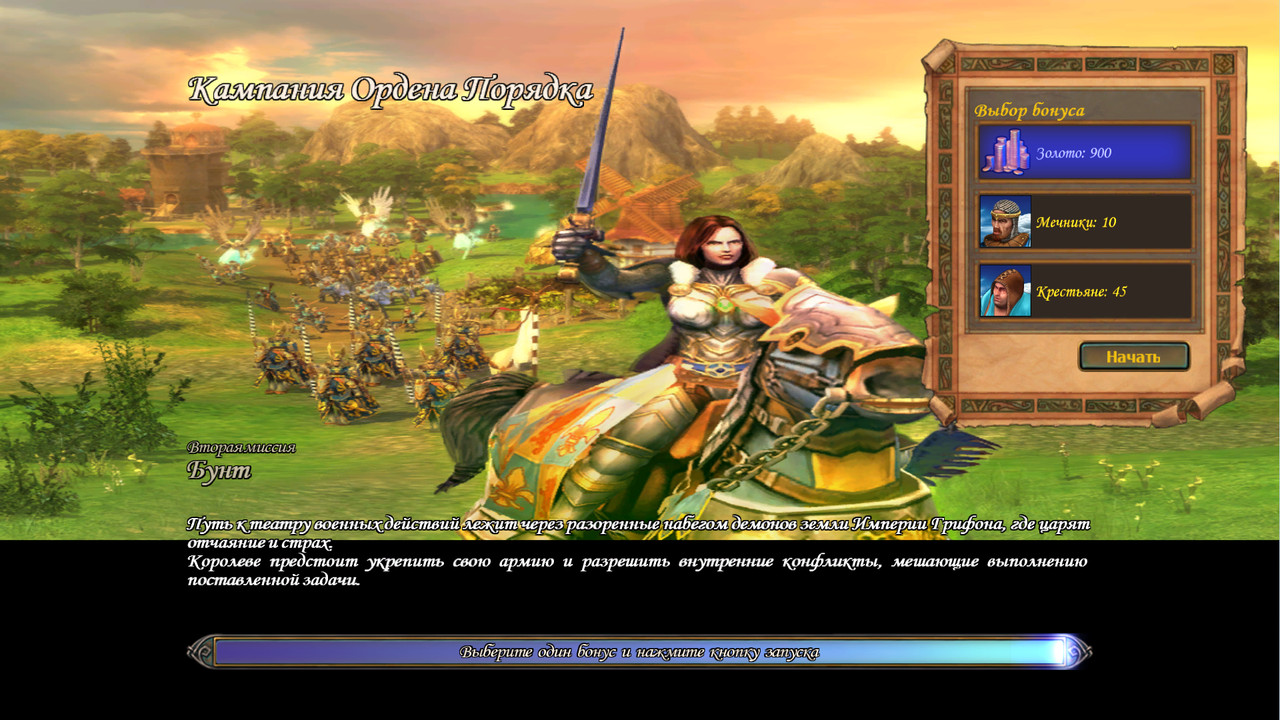
The third pwl-hd option. The first only replaces the loading screen image in scenarios and multiplayer maps. Anyone who wants can put any 1920x1080 image. The second adds the ability to replace campaign loading screen images in addition to scenario and multiplayer ones. Anyone who wants can put any 1920x1080 image.
In this version, I left the original campaign loading screen images, but first, I cropped them from the top and bottom from 1024x768 to 1024x576, in an HD style, and did not touch the original (buffalo skull) for scenarios and multiplayer.
I don't know if anyone needs this or not. In general, I'm attaching screenshots of the difference.
The third pwl-hd version. The first only replaces the loading screen image in scenarios and multiplayer maps. Anyone who wants can put any 1920x1080 image. The second adds the ability to replace the campaign loading screen images in addition to the scenario and multiplayer ones. Anyone who wants can put any 1920x1080 image. In this version, I left the original campaign loading screen images, but I cropped them from the top and bottom from 1024x768 to 1024x576, in an HD style, and did not touch the original (buffalo skull) for scenarios and multiplayer. I don't know if anyone needs this or not. In general, I'm attaching screenshots of the difference.
I was already happy when I saw the loading screens without distortion, but after installing the mod, I got this image. Title



 Narron