


 dnaop-wr

Auto-translated
dnaop-wr
I tried it, but unfortunately, on my 22-inch widescreen monitor at a resolution of 1024, everything looks very poor quality, cropped, and the side panel takes up half the screen:(
1280 - http://savepic.ru/14026063.jpg
1024 - http://savepic.ru/14039375.jpg


At work, I have a 1280x1024 screen – I run the game at 1024x768 so that I can quickly switch to the desired window if needed. At home, on a 1680x1050 monitor, I also use 1024x768 – at a higher resolution, it stretches to fill the entire screen and becomes squashed. Another monitor is 1024x768, and the game looks the same, naturally. On a laptop with a 1440x900 screen, only 1024x768 fit well. It worked best on a 1600x1200 monitor – any resolution fit without distortion or flickering, until it broke.
I can't say that I felt a strong discomfort at 1024x768, although it's definitely better at full resolution. I tried 800x600 – that was already a perversion.
In theory, neither full-screen mode (without distortion) nor windowed mode caused any problems (the laptop was a bit laggy, but it has only 500 MB of RAM and a weak video card).
Техника в руках индейца мертва.
Справочник по НоММ-4 http://handbookhmm.ru/pamyatka-dlya-heroes-iv.html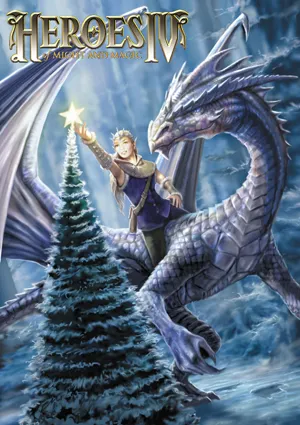
Памятка по НоММ-3 http://handbookhmm.ru/pamyatka-dlya-homm-iii.html
и HotA http://handbookhmm.ru/vyishla-obnovlennaya-pamyatka-dlya-homm-iii-hota.html
Справочник по НоММ-4 http://handbookhmm.ru/pamyatka-dlya-heroes-iv.html
Памятка по НоММ-3 http://handbookhmm.ru/pamyatka-dlya-homm-iii.html
и HotA http://handbookhmm.ru/vyishla-obnovlennaya-pamyatka-dlya-homm-iii-hota.html