Skip to content

Posts from - How to play Heroes 3 online.

4.0 (1 rating)
User Avatar
20 years ago
Auto-translated
How can I play Heroes of Might and Magic 3 online? Maybe someone knows about some servers or something like that.
And which version of the game is needed for this purpose?

Solution #4: (playing using the Hamachi program)
[Download] Description of the method in a doc file (opens in Microsoft Word)
User Avatar
15 years ago
Auto-translated
Good afternoon, here's the question: today I was playing with a friend over the internet, but his game crashed. I saved the game, but how do I load it? We can only start a new game, but we've already played so much!

Today I want to play 2 vs 2, but it won't be possible then (((
It's the same as starting a new game, but instead of "new," you choose "load" and then select the save file instead of the map.
Question.
If I have one account on one address, and two PCs are connected to the network via a router, can they play against each other in TCP/IP?
I don't quite understand the question. Please clarify.
15 years ago
Auto-translated
I really want to play Heroes.
I have the English version of SoD 3.2, as well as the latest version of Hamachi.
The following problem arises: when a map is created, the opponent makes a move, everything is normal, the data is sent, but during my next turn, the connection is lost. It says "player has left the game."
I also tried the licensed Russian version - the problem is the same.
I have Windows XP SP3. The firewall is disabled, and the antivirus is also disabled.
Please help me solve the problem. Thank you in advance.
ICQ 355866798
15 years ago
Auto-translated
I see that everyone else is managing Hamachi easily, but I can't seem to get it to work. I installed Hamachi, read the instructions on how to use it, and followed the instructions carefully. BUT, when I create a new connection, it gives me the message "Mediation server sent a message that doesn't make sense." What should I do? What does this mean? What am I doing wrong? Please help. My ICQ: 359-276-656.
15 years ago
Auto-translated
Hello everyone!

The topic has been discussed many times, but still: guys, help me set up the game to play over the internet. If anyone is from Minsk, I can come to you, and then drive you back. Plus, I'll also provide some financial assistance :) We've tried everything - nothing works. We've tried Hamachi, GameSpy, LeaF, and Woobly, and GameRanger... all to no avail. We've also tried connecting via ByFly using TCP/IP, and through mobile operators, and in any way possible - nothing. The game versions are the same (complete collection). If anyone can help, I will be very grateful. Thank you.
Tel. +375295777558 Ruslan
User Avatar
15 years ago
Auto-translated
ruslanlis - if you have ping issues, try removing all maps from the map folder except for one; it might help.
User Avatar
15 years ago
Auto-translated
It's not possible to play with Windows XP when one player is on Windows 7. We usually play Windows 7 vs. Windows 7, and the connection works perfectly. We even tried 1v1 with two Windows 7 machines, and it worked fine. But with Windows XP, there's no connection... We're playing through Hamachi.
ewgeniy

First, have the friend with Windows XP be the server – this will reduce problems.
Second, if the firewall is disabled and the server still isn't visible, you can look for firewalls in the modem; they are almost always there.
Disable any antivirus programs – this can also interfere with the game.
Neither of these helped. Both of us have dedicated internet connections.
ewgeniy

If nothing works, I suggest trying Windows XP with Windows XP, even if it's just on a virtual machine; this will increase the chances of success...
I have four friends, not counting myself, all using Windows 7. They all have to set up virtual machines to play over the network with Windows XP... Well, if there's no other way, I guess we'll have to.
ewgeniy

I don't know if it's possible to install IPX on Windows 7, but if it is, I suggest trying that too.
I haven't found anything useful about this online... It seems like it's not possible yet, although maybe I didn't search well, and I'm not very good at English.
mmm17
Question.
If I have one account for an address, and two PCs are connected to the network through a router, can they play against each other in TCP/IP?
Yes, we played that way
15 years ago
Auto-translated
Sorry if this has already been asked.
But is it possible to play through Hamachi if one person has a wired internet connection and the other has Wi-Fi? Because the program won't install on Wi-Fi...
15 years ago
Auto-translated
How do you play Heroes? We installed Hamachi, figured it out, but what do we do in the game itself?
15 years ago
Auto-translated
Hello, I've been playing Heroes 3 for a long time. I've had internet access for a while, but now I've had the idea to play with other players. PLEASE, can someone clearly explain to me in ICQ or here how to play with other players? I have a licensed Windows 7, a licensed Heroes 3 Armageddon's Blade, and in the game menu, there are many icons for multiplayer games, including IPX and TSP/IP. In the TSP/IP menu, there are icons for Host and Find Game, and I don't know what to enter or where. I read something about Hamachi, but it was written about 5 years ago. Maybe it's not needed anymore? In general, I play well and want to play with any opponent and see how it will be. If anyone wants to play with me and explain what's needed to play online, write to me on ICQ - 359-222-316. P.S. I have unlimited internet, 4 Mbps.
15 years ago
Auto-translated
Please help.
My friend and I have H.of.M.and.M.3.C.Repack.Rus (complete collection, 696MB) installed.
We both have dedicated internet connections.
We create a "new network" through Hamachi, but it doesn't work via TCP\IP, and it doesn't work without Hamachi either.
Maybe the game version is bad...
Please give us some advice or a link to Heroes 3 that supports online multiplayer.
User Avatar
15 years ago
Auto-translated
"doesn't work" is a rather vague term ;)
User Avatar
15 years ago
Auto-translated
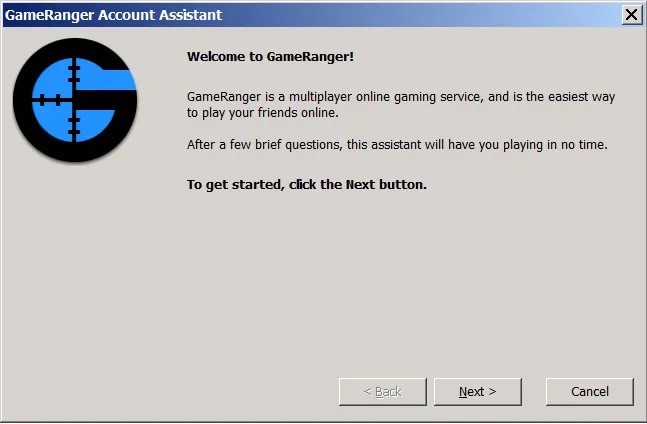
For those who are tired of Hamachi or haven't figured out how to connect using GameRanger, I will try to explain.

First, you need to Download it from http://www.gameranger.com/download/


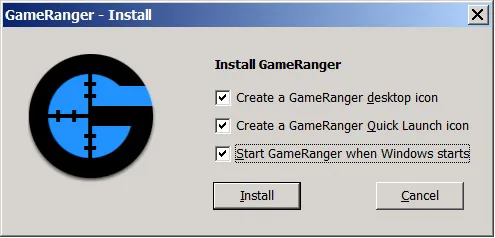
Then install it

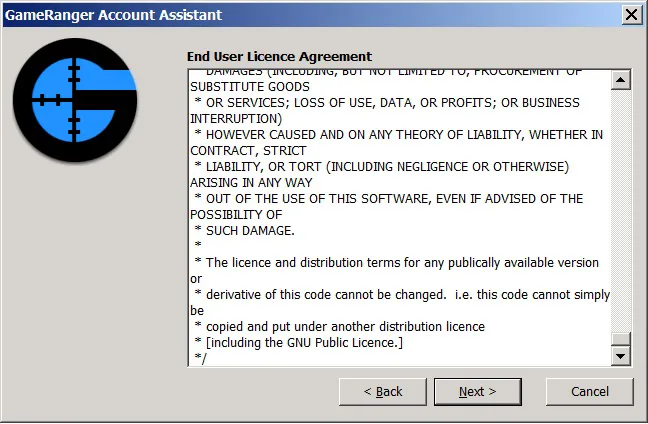
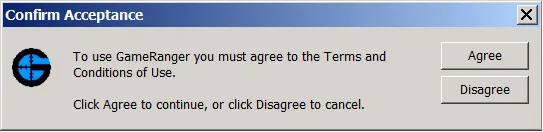
Agree with the terms and accept them


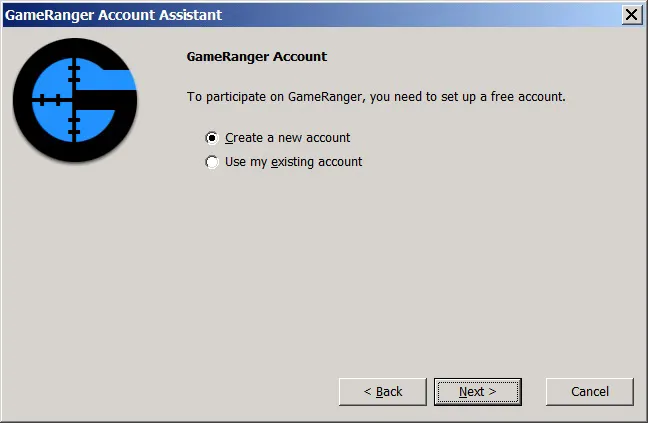
Create an account

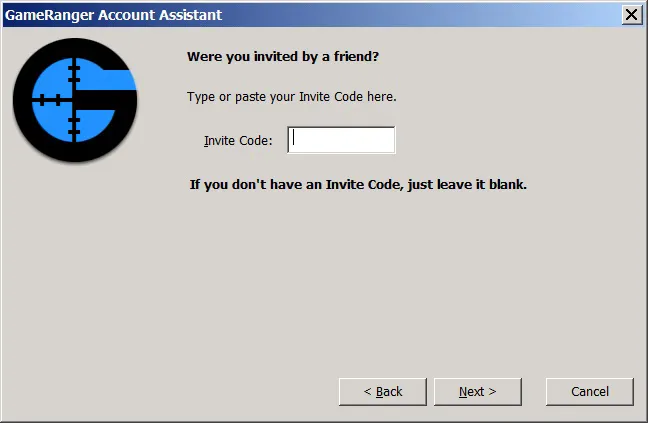
Here they ask for some kind of code, but I didn't write anything :D

And here enter YOUR EMAIL!!!
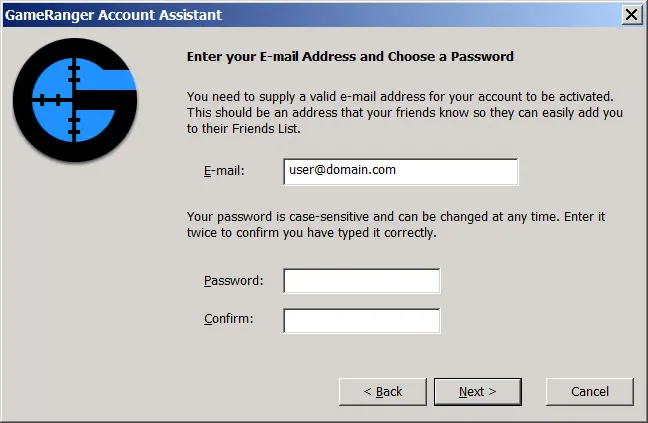
Well, and naturally, your password and confirmation

Here, type in the nickname under which you will play.
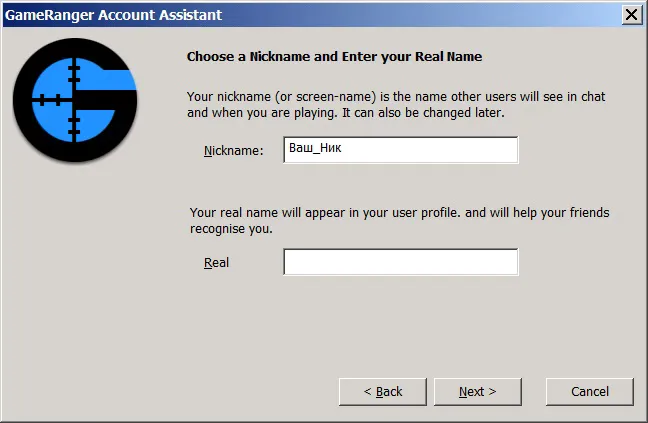

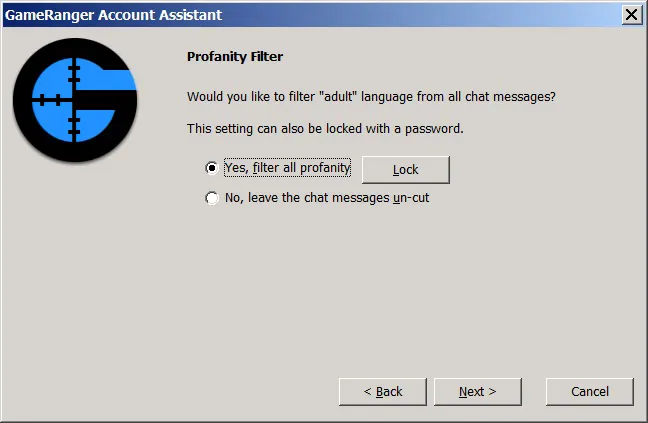
Enable some filter =-) Don't know what it's for :D

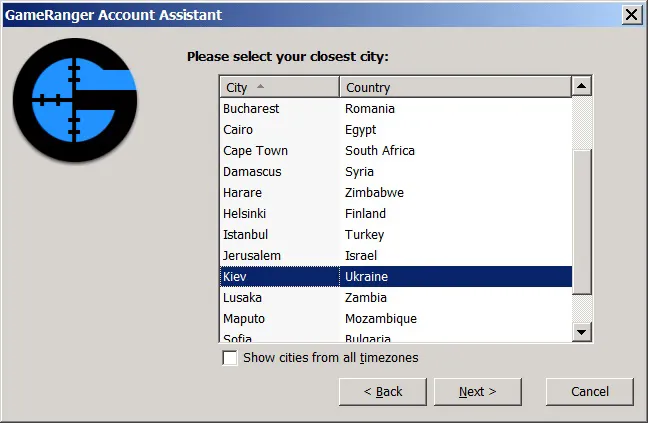
Specify the location where you live

Here they show your email address to which the confirmation letter will be sent (I registered on Mail.ru, I think it doesn't matter which service you use)
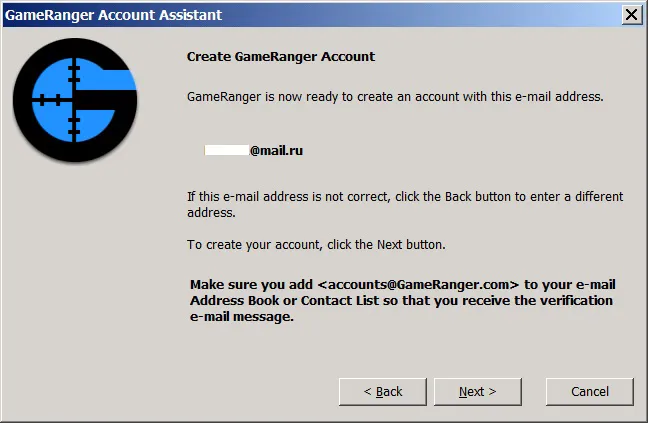

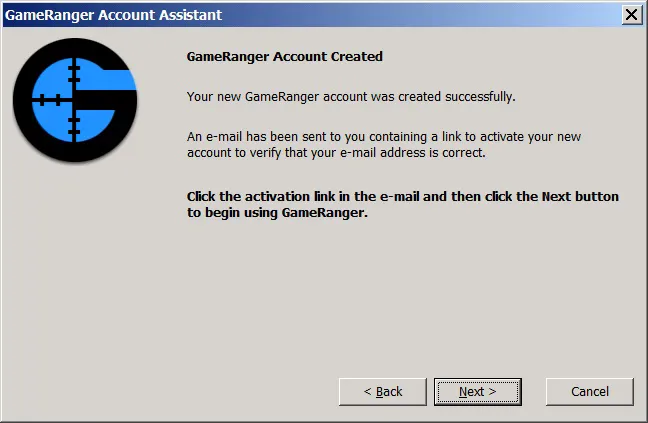
Confirm registration in GameRanger in your mailbox!


AND ONLY THEN click Next


If you did everything correctly, you should see this picture:
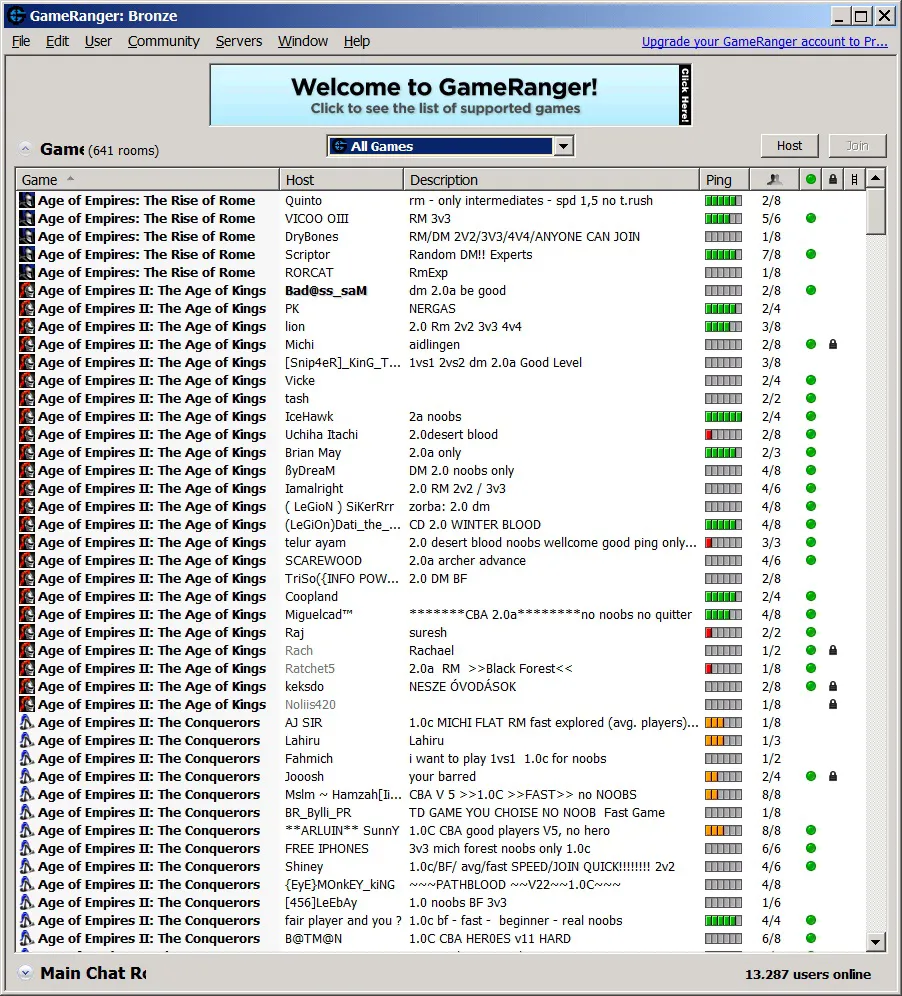

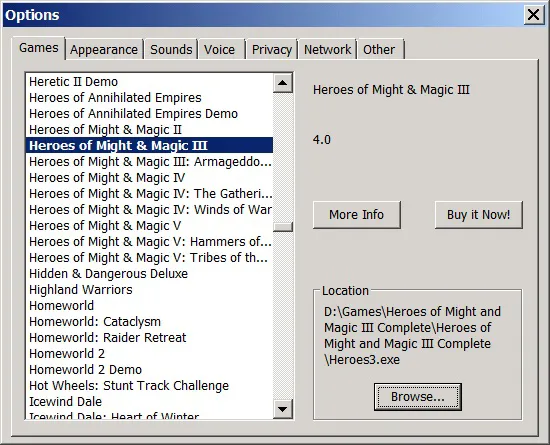
If it asks you to specify where the game is, show it your executable file! If you want to use the XD mod, then you need to rename it to heroes3!

To make it easier to join games, it is better to click on All games and switch it to My games. Then it will only show the games that are installed on your computer.
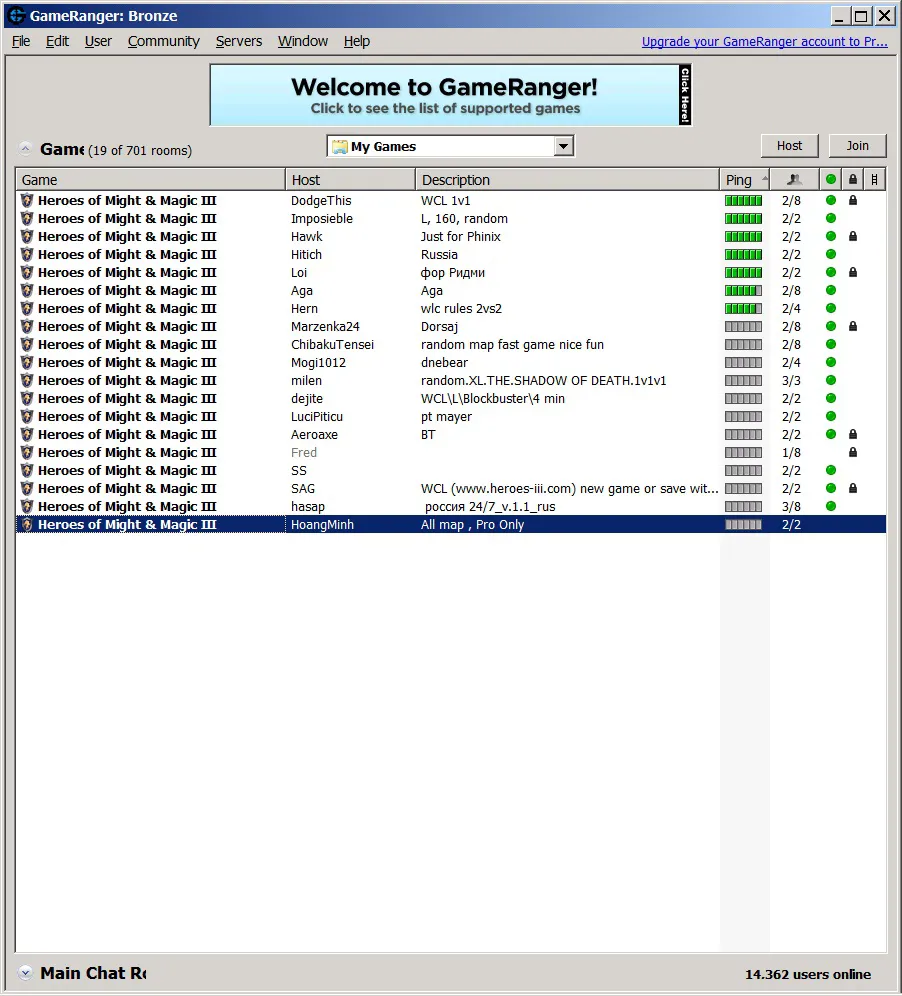

Next, everything is simple, someone creates a room (Host), the second joins (Join). You don't need to launch the game; it will launch it itself (Start button)!

Disadvantages, only the one with a static IP can create a game. Enjoy!

User Avatar
15 years ago
Auto-translated
Hey guys, I have Heroes of Might and Magic: Armageddon's Blade, and I'd really like to play with someone. I have Hamachi installed, but I'm not very good at setting up online connections. If anyone wants to play, send me a private message.
In reply to Vlad
15 years ago
Auto-translated
Hello, forum users. I need your help; I've tried everything, but I can't get it to work. I installed Hamachi, created a server, and connected my friends; everyone has a good ping. Then, I launch the game, but it shows my local IP address instead of the Hamachi IP address! Hamachi is listed first, before my local network. I don't have a firewall, and I've disabled my antivirus. I can't disable the Windows Firewall because the network will drop in that case, but I've configured it to allow Hamachi. I downloaded ForceBindIP and added the following to the shortcut for Heroes 3: The Shadow of Death: `C:\WINDOWS\system32\ForceBindIP.exe (Hamachi IP address) "C:\Program Files\Buka\Герои 3 Дыхание Смерти\h3blade.exe"`. However, it still shows my local IP address instead of the Hamachi IP address. Please help; I really want to play with someone.
User Avatar
15 years ago
Auto-translated
set the Hamachi adapter as the priority – make sure it’s at the top. Read it like it’s in the signature, okay?

Statistics

Welcome our newest member: recijeb