For those who are tired of Hamachi or haven't figured out how to connect using GameRanger, I will try to explain.
First, you need to Download it from
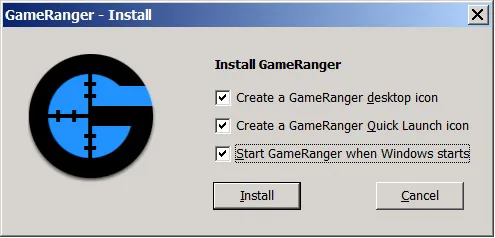
http://www.gameranger.com/download/Then install it
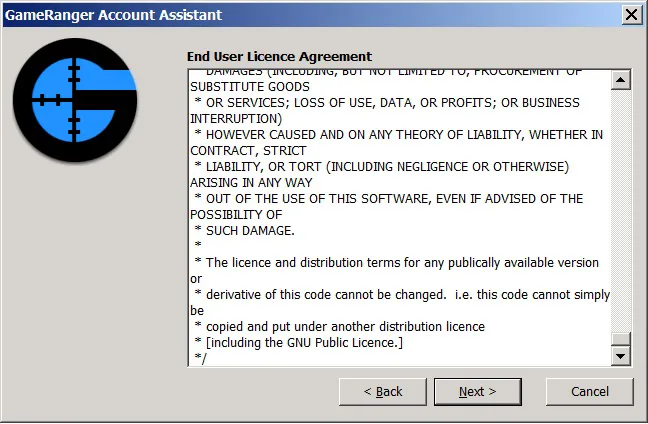
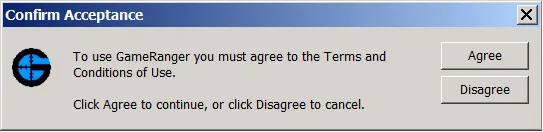
Agree with the terms and accept them
Create an account
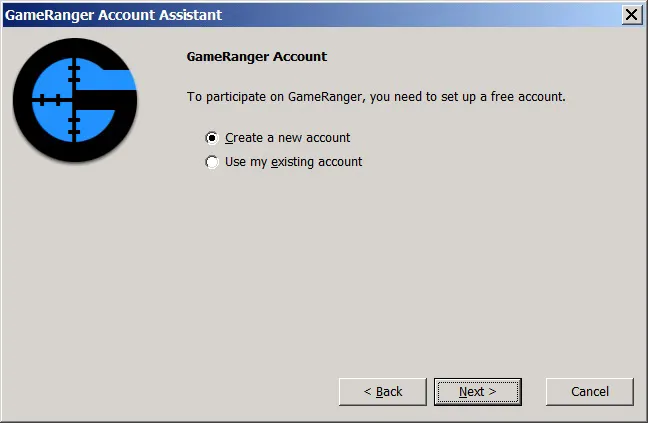
Here they ask for some kind of code, but I didn't write anything :D
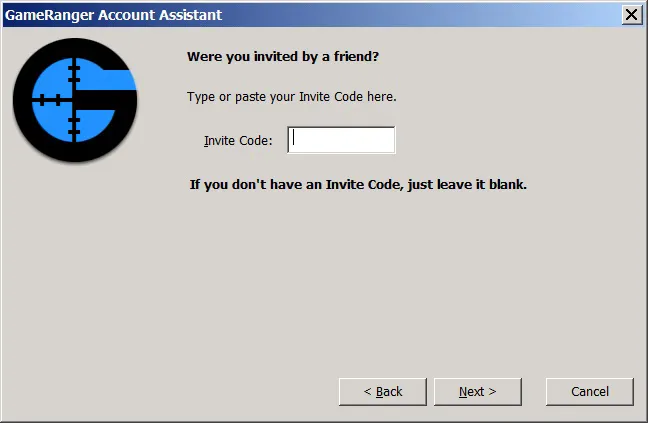
And here enter YOUR EMAIL!!!
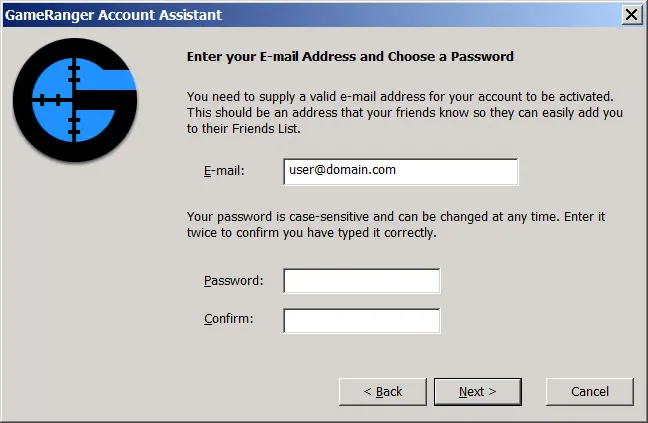
Well, and naturally, your password and confirmation
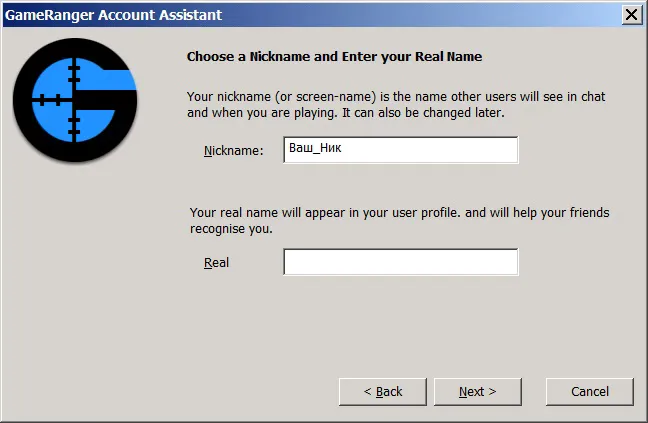
Here, type in the nickname under which you will play.
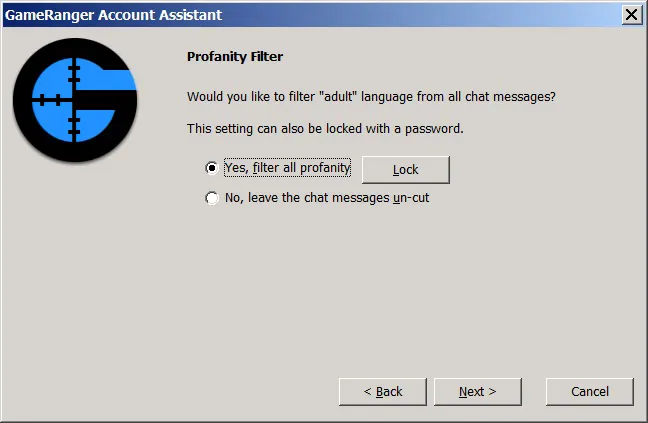
Enable some filter =-) Don't know what it's for :D
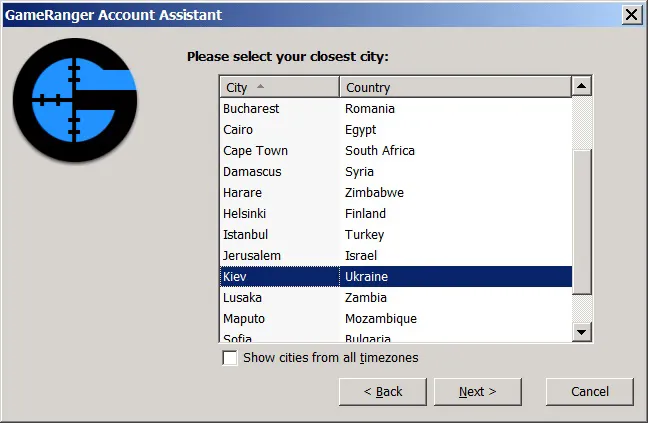
Specify the location where you live
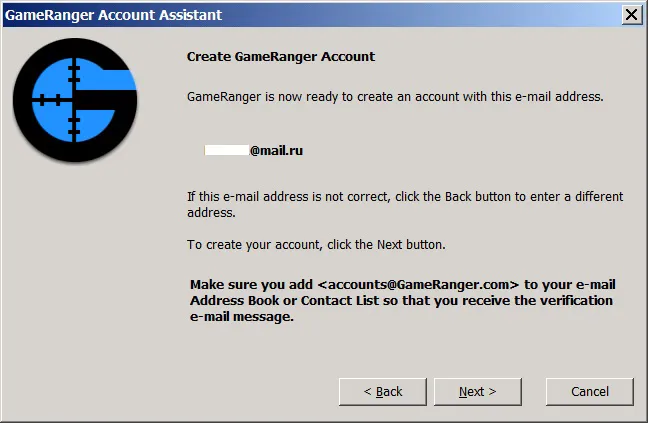
Here they show your email address to which the confirmation letter will be sent (I registered on Mail.ru, I think it doesn't matter which service you use)
 Confirm registration in GameRanger in your mailbox!
 AND ONLY THEN click Next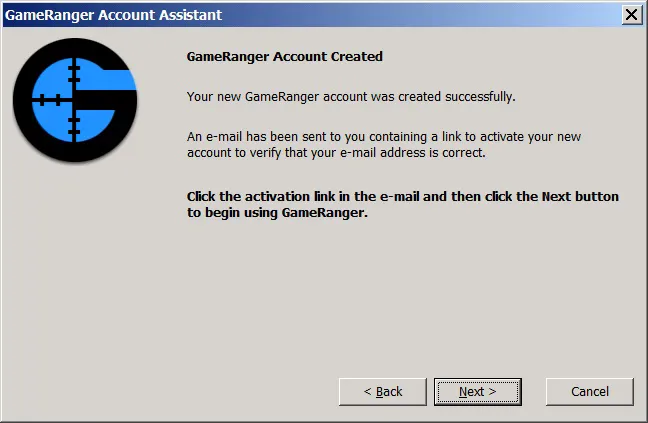
If you did everything correctly, you should see this picture:
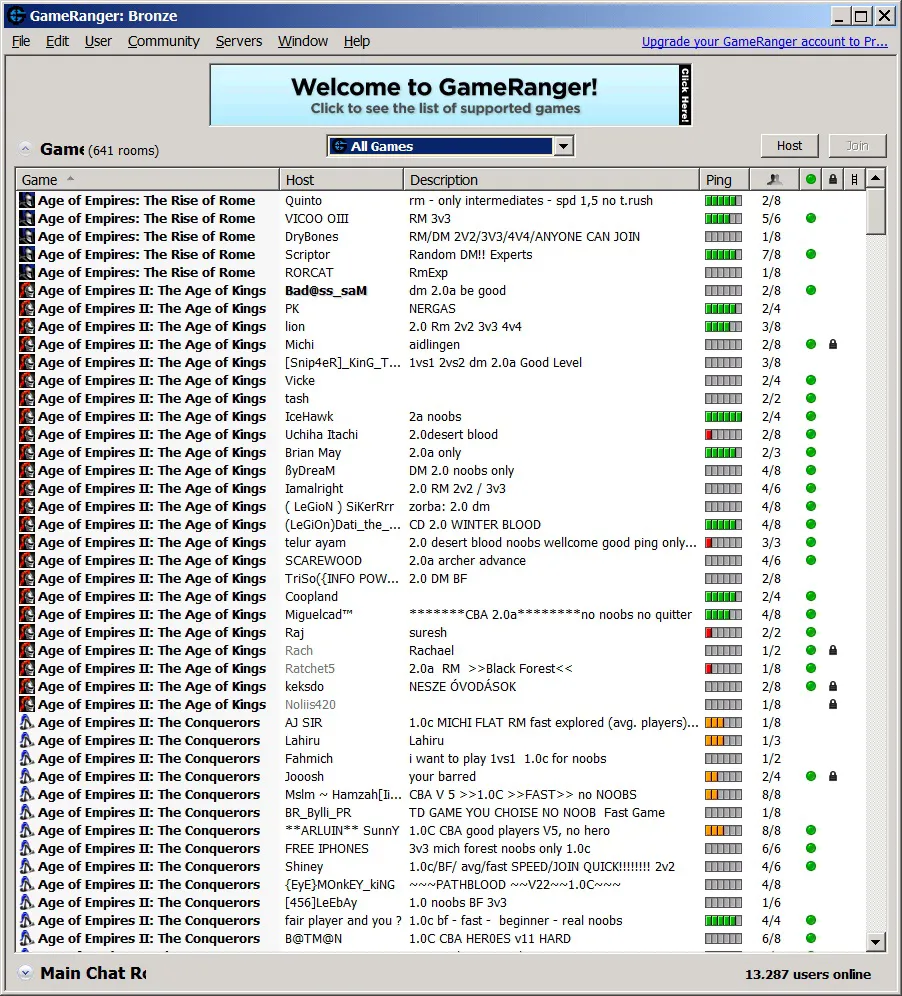
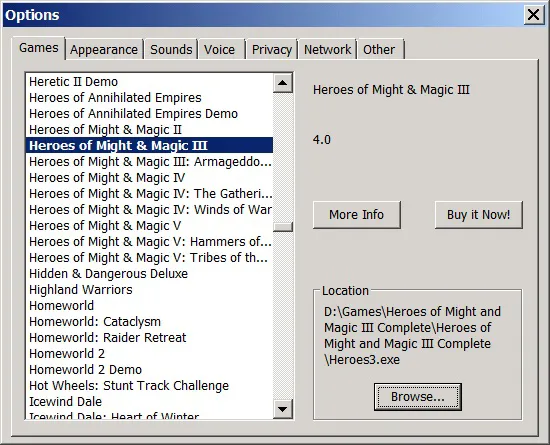
If it asks you to specify where the game is, show it your executable file! If you want to use the XD mod, then you need to rename it to heroes3!
To make it easier to join games, it is better to click on
All games and switch it to
My games. Then it will only show the games that are installed on your computer.
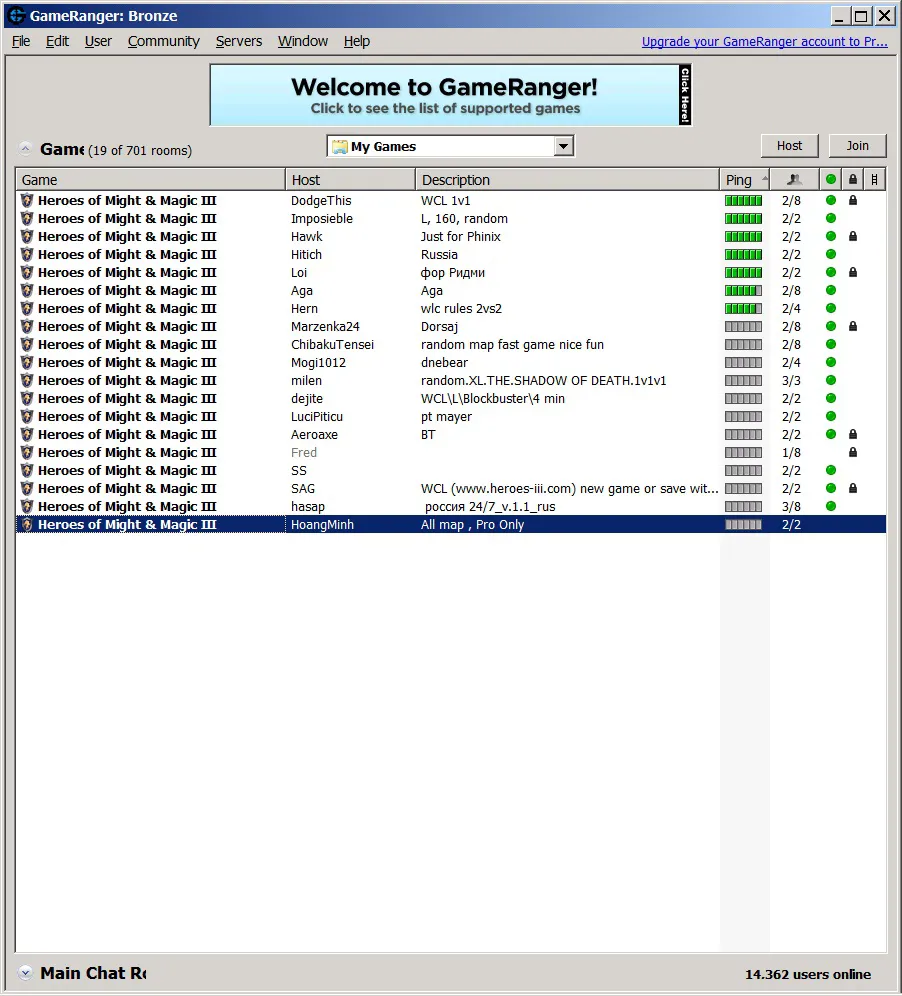
Next, everything is simple, someone creates a room (Host), the second joins (Join). You don't need to launch the game; it will launch it itself (Start button)!
Disadvantages, only the one with a static IP can create a game. Enjoy!



 MasterPainKiller




